
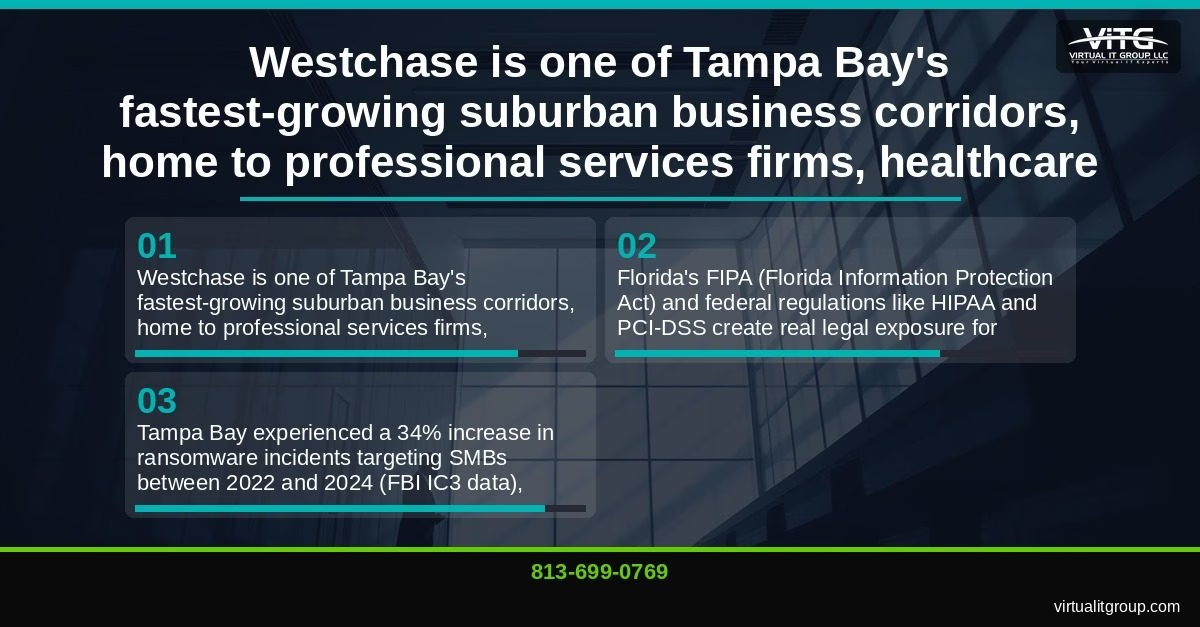
If your business is in Westchase, here’s what you need to know right now: cloud backup is no longer optional. Between Florida’s hurricane season, a 34% spike in ransomware attacks targeting Tampa Bay SMBs between 2022 and 2024 (per FBI IC3 data), and Florida’s Information Protection Act creating real legal exposure for businesses that lose client data, the question isn’t whether you need a cloud backup strategy — it’s whether the one you have will actually work when everything goes wrong. I’ve spent 30+ years protecting Tampa Bay businesses, and I can tell you honestly: most SMBs in the Westchase corridor think they’re backed up. Many of them aren’t.
Last Updated: August 21, 2026
Why Can’t Westchase Small Businesses Afford to Ignore Cloud Backup in 2025 and 2026?
Westchase has grown into one of Tampa Bay’s most active suburban business corridors. Professional services firms, healthcare practices, financial advisors, and tech-enabled SMBs operate here daily — and nearly all of them handle sensitive client data that carries legal protection requirements. Florida’s Information Protection Act (FIPA) requires businesses to notify affected individuals within 30 days of a data breach. HIPAA requires covered healthcare entities to maintain documented backup and disaster recovery procedures. PCI-DSS mandates similar controls for any business processing credit card payments. These aren’t theoretical risks. They’re enforceable obligations.
The hurricane angle is just as real. Hillsborough County averages one to two named storm threats per season, and a Category 1 event can knock out power and internet access to the Westchase area for 24 to 72 hours. Businesses running on-premises-only backup during that window have no path to recovery until the power comes back. And if the server room floods? That data is gone.
87% of new clients we assess at Virtual IT Group, LLC were overpaying for underperforming IT solutions — and inadequate backup is one of the most common gaps we find. The average Tampa Bay SMB spends 6.2% of revenue on IT, but businesses that invest strategically in managed IT see 23% higher operational efficiency. Cloud backup, done right, is one of the highest-ROI investments in that stack.
Virtual IT Group, LLC has protected Tampa Bay businesses for 13 years, including dozens of Westchase-area SMBs, with managed cloud backup solutions tailored to local industry needs. If you want to talk through your current setup, call us at (813) 699-0769 — the conversation is free.
Key takeaway: Westchase SMBs face a combination of regulatory obligations, hurricane-season data risk, and rising ransomware threats that make cloud backup a legal and operational necessity, not a discretionary IT expense.
What Is a Cloud Backup Strategy — and What Makes One Actually Work for a Small Business?
Cloud backup is a versioned, restorable copy of your business data stored offsite in a cloud environment, isolated from your live systems. It is not the same as cloud sync.
Many businesses operate under common misconceptions about cloud backup implementation that leave them vulnerable when disaster strikes.
This is the misconception I run into most often. A Westchase accounting firm will tell me they’re “backed up to OneDrive” — and technically, their files are in the cloud. But OneDrive is a sync tool. If someone deletes a folder, ransomware encrypts your files, or a corrupted document syncs across all devices, OneDrive reflects that damage almost immediately. A true backup maintains versioned, independent copies that can be restored to a point in time before the damage occurred.
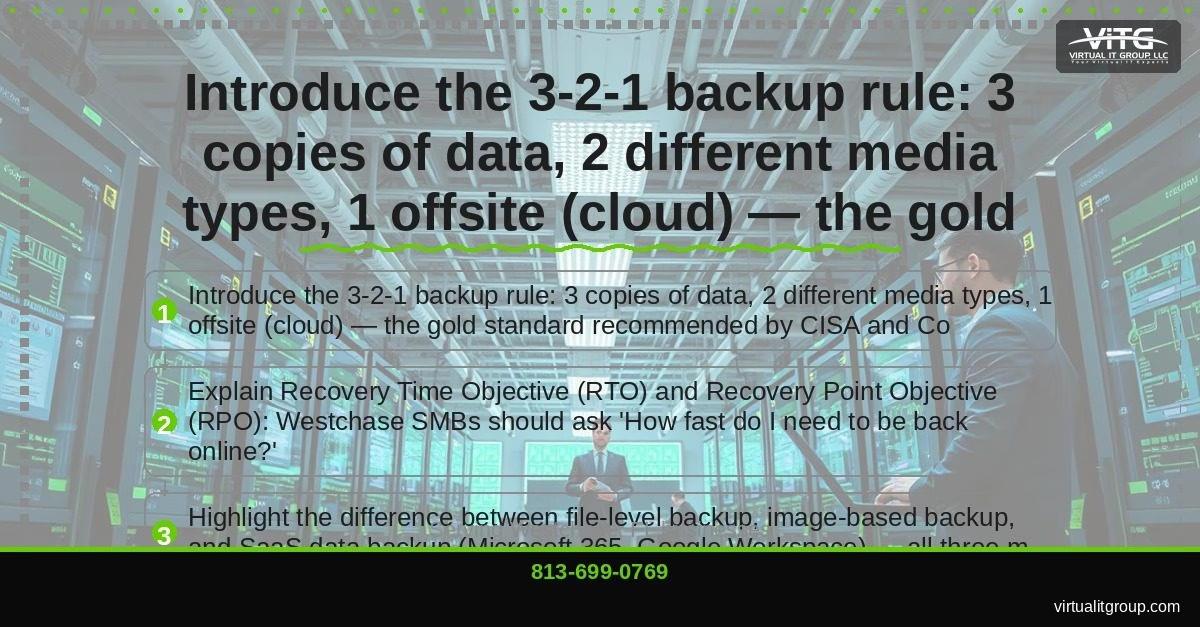
The gold standard framework is the 3-2-1 backup rule, recommended by both CISA and CompTIA-certified professionals: keep 3 copies of your data, on 2 different media types, with 1 copy stored offsite (in the cloud). For a Westchase SMB, that typically means a local backup on a NAS device, an image-based backup on a second local drive or appliance, and a cloud copy stored in a geographically separate data center.
Before choosing any backup solution, your team needs to answer two specific questions:
- Recovery Time Objective (RTO): How fast do you need to be back online after a failure? For most Westchase professional services firms, anything beyond 4 hours of downtime starts costing real money — we typically see $8,000 to $25,000 per hour in lost productivity and missed revenue for a 20-to-50-person office.
- Recovery Point Objective (RPO): How much data can you afford to lose? If your backup runs nightly and ransomware hits at 4:00 PM, you’ve lost a full day of work. Some businesses can absorb that. A medical practice or a title company probably can’t.
There are also three distinct backup types that may all be required for complete protection:
- File-level backup: Copies individual files and folders. Fast and lightweight, but restoring a full system takes hours.
- Image-based backup: Captures a full snapshot of a server or workstation, including the operating system. Can be virtualized and run in the cloud during an outage — dramatically reducing RTO.
- SaaS data backup: Backs up data inside cloud platforms like Microsoft 365 and Google Workspace. This one surprises people. Microsoft’s shared responsibility model means they protect the infrastructure — not your mailboxes, SharePoint libraries, or Teams data. If an employee accidentally deletes three years of email, Microsoft won’t restore it past 30 days. You need a separate backup for that.
I’m CompTIA Security+ and Microsoft Certified, and I’ll be honest — Microsoft’s documentation on shared responsibility is clear, but most small business owners never read it. Don’t assume your SaaS vendor is covering your data.
If this sounds like your situation, call (813) 699-0769 — we’ll walk through what a complete backup plan looks like for your specific business and industry.
Key takeaway: An effective cloud backup strategy for a Westchase SMB requires understanding the difference between sync and backup, applying the 3-2-1 rule, defining RTO and RPO targets, and covering file, image, and SaaS data separately.
Which Cloud Backup Solutions Does Virtual IT Group Recommend for Tampa Bay SMBs?
Not every backup platform fits every business. Here’s how we think about it across three tiers, based on what we’ve deployed for Westchase and broader Tampa Bay clients over the past 13 years.
Tier 1: Business Continuity and Disaster Recovery (BCDR) Platforms
Best for: SMBs that need fast RTO (under 4 hours), image-based snapshots, and the ability to virtualize servers locally during an outage.
Platforms like Datto, Acronis Cyber Protect, and Veeam fall into this category. They capture full system images at regular intervals (as frequently as every 15 minutes), store them locally and in the cloud, and can spin up a virtual copy of your server within minutes. For a Westchase law firm or medical practice where downtime is measured in lost billable hours and patient care disruptions, this tier is worth the investment. Typical cost for a managed BCDR solution in the Tampa Bay market runs $400 to $900 per month for a 10-to-30-person office, depending on data volume and retention requirements.
Tier 2: Cloud-to-Cloud SaaS Backup
Best for: Any Westchase business running Microsoft 365 or Google Workspace — which is nearly all of them.
Platforms like Veeam Backup for Microsoft 365, Backupify, and Spanning provide automated, versioned backups of email, SharePoint, OneDrive, and Teams data. These run independently of Microsoft’s or Google’s native retention tools and can restore individual items or entire mailboxes in minutes. Most Tampa Bay SMBs pay $3 to $6 per user per month for this layer. Given that a single lost email thread in a real estate transaction or a compliance audit can cost far more than that, it’s one of the easiest ROI conversations we have.
Tier 3: Hybrid Cloud Backup for Regulated Industries
Best for: Healthcare providers, legal firms, and financial services businesses in the Westchase and New Tampa corridor.
This approach combines encrypted local NAS storage with immutable cloud storage on platforms like AWS S3 or Azure Blob Storage. Immutable backup means the data cannot be modified, encrypted, or deleted for a defined retention period — even by an administrator. Ransomware cannot touch it. For HIPAA-covered entities or FINRA-regulated advisors, this architecture also satisfies documented contingency plan requirements under HHS HIPAA Security Rule guidance.
| Tier | RTO | RPO | Monthly Cost Range | Best Fit |
|---|---|---|---|---|
| BCDR (Datto/Acronis/Veeam) | Under 4 hours | 15 min – 1 hour | $400–$900/mo | All SMBs with servers |
| SaaS Backup (M365/Google) | Under 1 hour | 24 hours | $3–$6/user/mo | Any M365 or Google Workspace user |
| Hybrid Immutable Cloud | 2–8 hours | 1–4 hours | $600–$1,500/mo | Healthcare, legal, financial services |
One thing I want to be clear about: Virtual IT Group, LLC manages, monitors, and tests backups monthly. We don’t set them and forget them. An untested backup is not a backup — it’s a hope. We’ve seen businesses discover their backup had been silently failing for six months only when they needed it most.
Key takeaway: Westchase SMBs should match their backup tier to their RTO requirements, data types, and compliance obligations — and work with a managed IT provider that actively tests restores, not just monitors backup job status.
How Does Cloud Backup Protect Westchase Businesses During Hurricane Season and Ransomware Attacks?
Two scenarios. Both real. Both preventable.
The hurricane scenario: A Category 1 storm makes landfall near Tampa Bay. Power to the Westchase area goes out for 48 hours. Your on-premises server is offline. Your local NAS is offline. If your only backup copies are in that building, your business is offline too — for as long as it takes to restore power, assess hardware damage, and rebuild systems. With geo-redundant cloud backup, your team can access restored systems from any location with internet access, including a home office or a hotel in Orlando, within your defined RTO window.
The ransomware scenario: A Channelside-area logistics company suffered a ransomware attack in 2023. Attackers encrypted their entire file server and demanded $85,000. Because Virtual IT Group had implemented immutable cloud backups with a 4-hour RTO, we restored their systems the same day — avoiding an estimated $180,000 in downtime losses and eliminating any incentive to pay the ransom. The immutable backup copies couldn’t be touched by the ransomware because they were stored in a write-once cloud environment the attackers never had access to.
The Ybor City contrast is worth mentioning. A boutique marketing agency there lost a week of project files when their server room flooded during a summer storm. No cloud backup. The data was unrecoverable. With geo-redundant cloud storage, that would have been a 15-minute restore. Instead, it cost them a client relationship and roughly $40,000 in rework.

On the geo-redundancy point: Tampa Bay businesses should specifically confirm that their cloud backup provider does NOT store all copies in Florida-only data centers. A regional disaster affecting multiple Florida data centers simultaneously is a real scenario. Your offsite copy should be in a different geographic region — typically the Southeast or Mid-Atlantic.
HIPAA-covered businesses have an additional compliance reason to care: the HIPAA Security Rule’s contingency plan standard (45 CFR §164.308(a)(7)) requires a documented data backup plan and disaster recovery plan. Cloud backup with documented monthly restore testing satisfies both requirements. Without it, you’re exposed in an audit.
If hurricane season or a recent ransomware headline has you questioning your current setup, call us at (813) 699-0769. We can assess your current backup posture in about an hour.
Key takeaway: Geo-redundant immutable cloud backup protects Westchase SMBs from both natural disaster scenarios and ransomware attacks — and satisfies HIPAA contingency plan requirements when paired with documented monthly restore testing.
What Should a Westchase SMB Look for When Choosing a Managed Cloud Backup Provider?
Not all backup vendors are equal. Here’s the checklist I’d hand any Westchase business owner evaluating a managed cloud backup provider or MSP:
- Do they perform and document monthly restore tests? Most budget providers monitor backup job status — they don’t actually restore files and verify integrity. Ask for test reports. If they can’t produce them, that’s your answer.
- Is backup data encrypted in transit AND at rest? AES-256 encryption is the current standard, referenced in NIST SP 800-111. Anything less is not acceptable for regulated data.
- Do they offer immutable backup storage? Ransomware can reach backup systems if they’re connected to the same network. Immutable storage prevents modification or deletion for a defined period — non-negotiable for any New Tampa healthcare practice or Westchase financial firm.
- Is the RTO/RPO guarantee in the contract? Verbal commitments don’t hold up when you’re trying to recover from a disaster. Get specific numbers in writing.
- Are they familiar with your industry’s compliance requirements? HIPAA, PCI-DSS, and FINRA each have specific data protection and retention requirements. Your backup provider should be able to speak to these without you having to explain them.
- Do they have a local Tampa Bay presence? Remote-only support is fine for most backup monitoring, but when a physical server fails during a hurricane recovery, having a team that can be on-site in Westchase within two hours matters. Virtual IT Group, LLC is local — we’re not routing your support call through a national call center.
- What is the data retention policy? Some regulations require 6-year retention (HIPAA). Others require 7 years (certain financial records). Confirm your provider can meet your specific retention requirements before signing anything.
- Is backup monitoring included, or does it cost extra? Some vendors charge separately for alerts, reporting, and restore support. Get the full picture of total cost before comparing quotes.
As Brian Truman, CEO of Virtual IT Group, puts it: “Technology should be an accelerator for your business, not a constant source of frustration. If your team is complaining about IT more than once a week, something is fundamentally broken in your IT strategy.” Backup failures are one of the most common sources of that frustration — and one of the most preventable.

Key takeaway: When evaluating a managed cloud backup provider, Westchase SMBs should prioritize documented restore testing, AES-256 encryption, immutable storage, contractual RTO/RPO guarantees, compliance expertise, and local Tampa Bay on-site capability.
Frequently Asked Questions About Cloud Backup for Westchase Small Businesses
How much does managed cloud backup cost for a small business in Westchase?
Managed cloud backup for a Westchase SMB typically runs $200 to $1,500 per month depending on data volume, the number of systems protected, retention requirements, and whether you need SaaS backup for Microsoft 365 in addition to server backup. A 10-person professional services firm with basic file and email backup might pay $250 to $400 per month. A 40-person healthcare practice with HIPAA-compliant immutable storage and BCDR capabilities will typically pay $800 to $1,500 per month. Virtual IT Group, LLC provides itemized quotes — call (813) 699-0769 for a specific estimate based on your environment.
Is Microsoft 365 or Google Workspace data automatically backed up?
No. Microsoft and Google protect their infrastructure and guarantee platform uptime, but they do not back up your individual mailboxes, SharePoint data, or Teams content beyond limited native retention windows (typically 30 to 93 days). If an employee deletes data, ransomware corrupts files, or a licensing change removes access, you need a separate SaaS backup solution to restore it. This is explicitly outlined in Microsoft’s shared responsibility model documentation.
What is immutable backup and why does it matter for ransomware protection?
Immutable backup stores data in a write-once format that cannot be modified, encrypted, or deleted for a defined retention period — even by an administrator with full credentials. Because ransomware works by encrypting accessible data, immutable backup copies stored in isolated cloud environments are unaffected by an attack. For any Westchase SMB that has experienced or fears ransomware, immutable backup is the single most important feature to require from a cloud backup provider.
How often should a small business test its cloud backup?
Monthly restore tests are the minimum standard for any business with compliance obligations. For HIPAA-covered entities, documented testing is a regulatory requirement under 45 CFR §164.308(a)(7). For other SMBs, monthly testing catches silent backup failures before they become disasters. Virtual IT Group, LLC performs and documents monthly restore tests for all managed backup clients — we provide written reports you can use in compliance audits.
Can cloud backup replace on-site backup for a Westchase business?
Cloud-only backup can work for businesses with very small data sets and high RTO tolerance, but most Westchase SMBs benefit from a hybrid approach: local backup for fast restores combined with cloud backup for offsite protection and disaster recovery. During a hurricane that takes down local internet, cloud-only backup becomes inaccessible until connectivity is restored. A local copy on an encrypted NAS device gives you a recovery path even when the internet is down — and cloud backup protects you if the physical device is damaged or stolen.
Your Westchase business has too much at stake to rely on a backup strategy you’ve never tested. Whether you’re running a medical practice in the Westchase corridor, a financial advisory firm near New Tampa, or a professional services office anywhere in Hillsborough County, Virtual IT Group, LLC can assess your current backup posture, identify the gaps, and implement a solution that actually works when you need it.
Schedule a no-obligation assessment today. Call (813) 699-0769 or visit virtualitgroup.com. We’re local, we’re certified, and we’ve been protecting Tampa Bay businesses for 13 years — including the ones that called us the day after something went wrong. Don’t wait for that day.
Virtual IT Group, LLC | Tampa Bay, FL | (813) 699-0769 | virtualitgroup.com