
If your South Tampa business doesn’t have a tested disaster recovery plan, you don’t have a plan — you have a wish. I’ve spent 20 years helping Tampa Bay businesses recover from real incidents: ransomware attacks, flooded server rooms, failed backups that nobody noticed for weeks. The hard truth is that 43% of Tampa Bay businesses we assess have no documented disaster recovery plan at all. Of those that do have one written down, only 20% have actually tested it in the past 12 months. A plan that lives in a drawer is not protection — it’s paperwork.
Last Updated: August 20, 2026
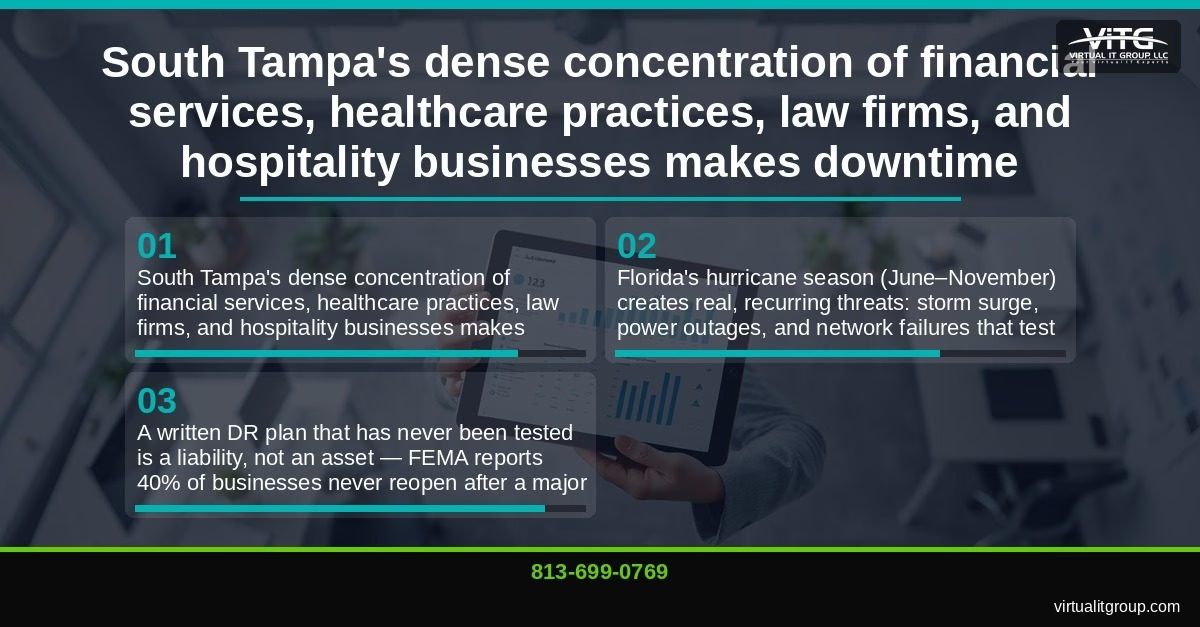
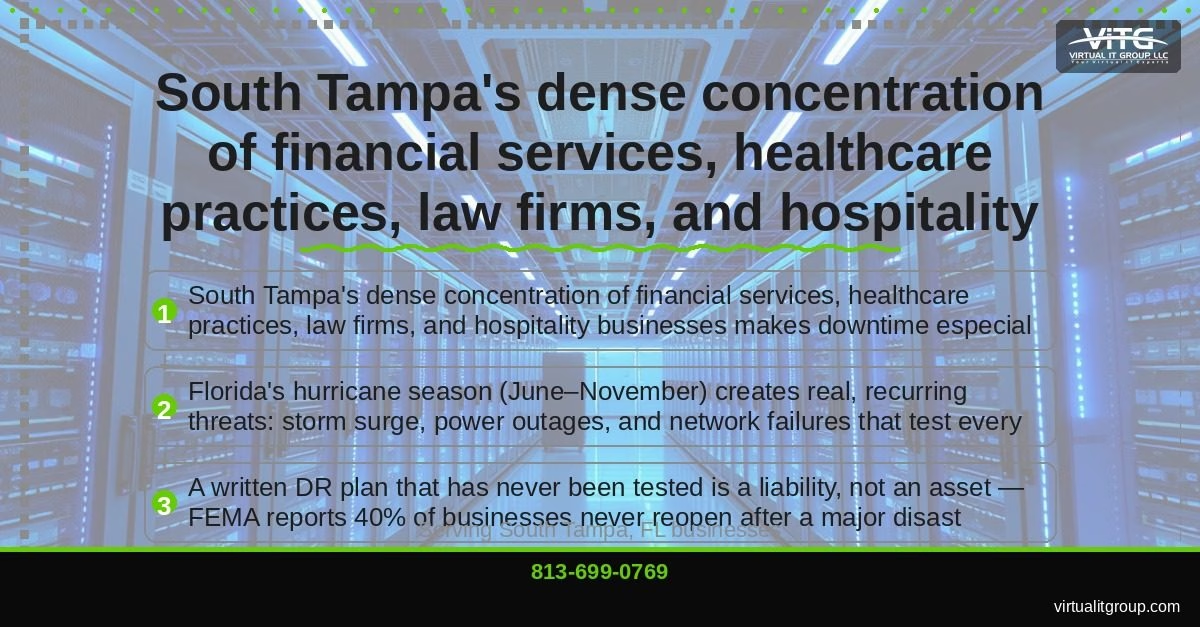
South Tampa’s business community is dense with financial services firms, healthcare practices, law firms, and hospitality operations along the Bayshore Boulevard and Hyde Park corridors. Every one of those businesses faces a specific, recurring threat that most of the country doesn’t: hurricane season runs June through November, every single year. Add South Tampa’s low-lying waterfront geography and you have a situation where “what if” becomes “when.” This quarterly guide gives you a concrete framework for testing your disaster recovery plan so that when the real incident hits, your team already knows exactly what to do.
“Every Tampa Bay business owner should be able to answer one question: if your office is underwater tomorrow, how long until your team can work? If you don’t know the answer, you don’t have a disaster recovery plan — you have a hope.” — Brian Truman, CEO, Virtual IT Group
Why Can’t South Tampa Businesses Afford to Skip Disaster Recovery Testing?
The short answer: because downtime here is expensive, the weather is genuinely dangerous, and regulators are paying attention.
According to Gartner’s research on IT downtime costs, the average cost of a single hour of unplanned downtime for a small-to-medium business ranges from $8,000 to $74,000 depending on industry. For the South Tampa businesses we serve — insurance agencies, dental practices, boutique law firms — that number typically lands between $8,000 and $25,000 per hour. One bad afternoon can cost more than a full year of managed IT services.
Beyond data and systems, your team also needs to stay connected with clients and each other — which is why keeping your communications operational during an outage is just as critical as any other recovery component.
Florida’s geography compounds the risk. South Tampa sits at or near sea level along the Tampa Bay waterfront. The Hyde Park and SoHo neighborhoods, which house dozens of professional services firms, sit in flood zones that saw real surge risk during Hurricane Ian in 2022. FEMA reports that 40% of businesses never reopen after a major disaster — and the ones that don’t survive almost always share one thing in common: they never tested their recovery assumptions before the event.
Regulatory exposure adds a third layer of pressure. If your practice handles patient records, you’re subject to HIPAA’s data recovery requirements. If you process card payments, PCI-DSS mandates demonstrable recovery capabilities. Florida’s Information Protection Act (FIPA) requires businesses to protect personal data and notify affected parties after a breach — and “our backup failed” is not a defense that satisfies regulators or your clients.
Key takeaway: South Tampa SMBs face a combination of high downtime costs, real annual weather threats, and regulatory requirements that make untested disaster recovery plans a direct business liability.
What Is a Disaster Recovery Test, and What Types Should Your South Tampa Business Run?
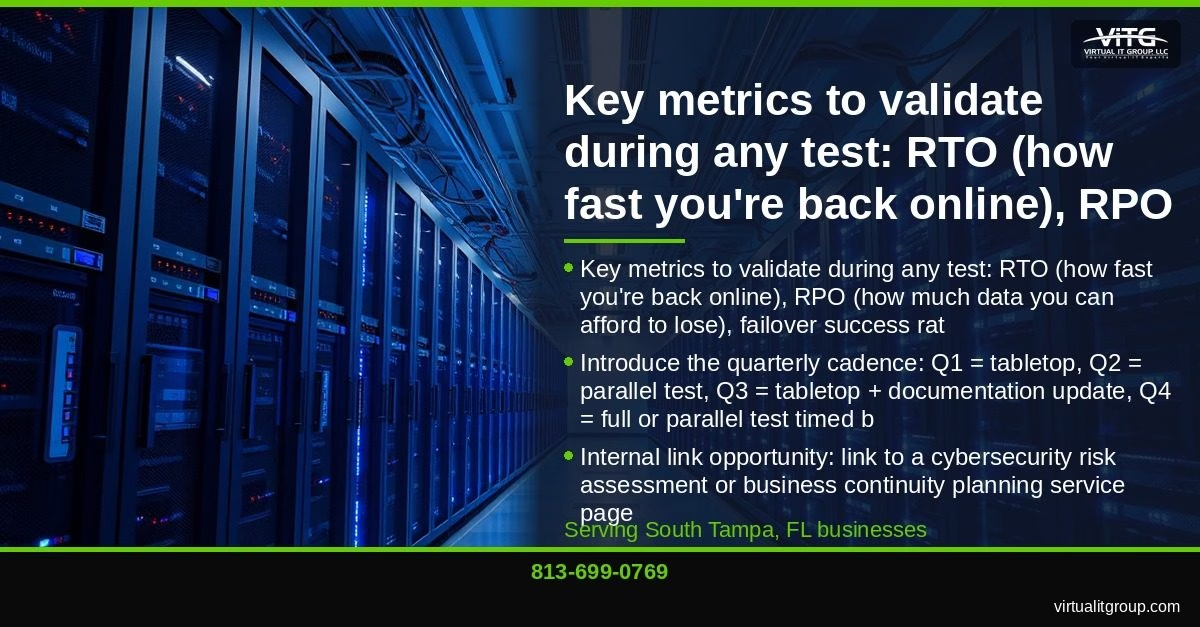
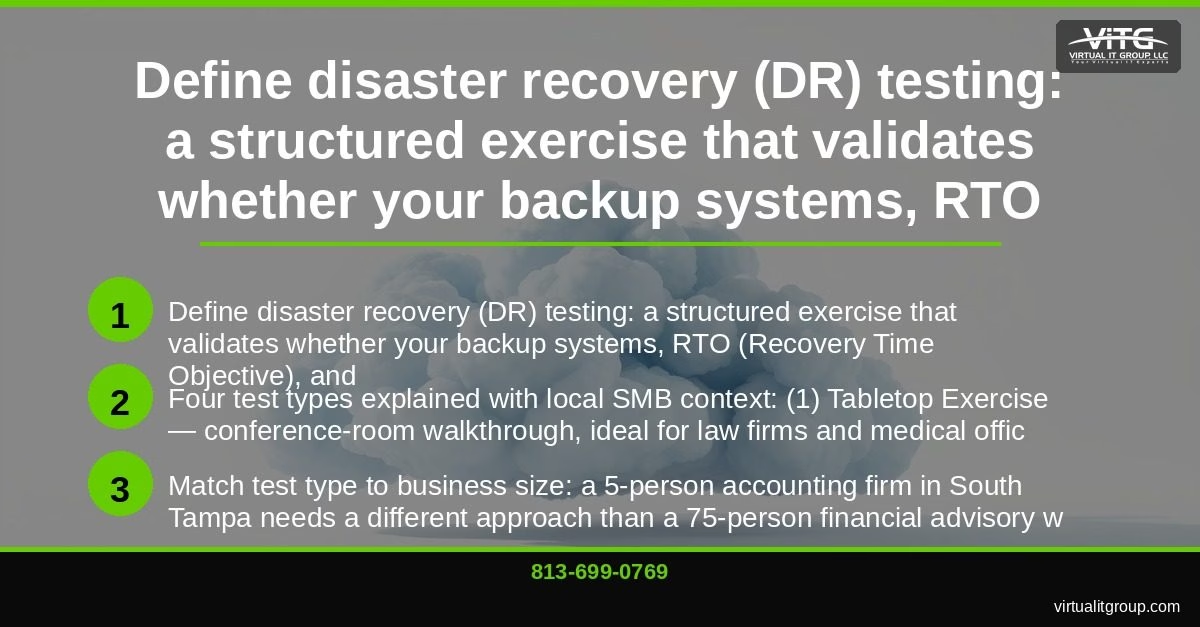
Disaster recovery (DR) testing is a structured exercise that validates whether your backup systems, Recovery Time Objective (RTO), and Recovery Point Objective (RPO) targets are actually achievable in a real incident — not just on paper.
Recovery Time Objective (RTO) is the maximum acceptable length of time your business can be offline before the impact becomes unacceptable. Recovery Point Objective (RPO) is the maximum acceptable amount of data loss measured in time — meaning, if your RPO is 4 hours, you can afford to lose up to 4 hours of data.
There are four types of DR tests, and the right one depends on your business size and risk tolerance:
- Tabletop Exercise: A conference-room walkthrough where key stakeholders talk through a realistic disaster scenario step by step. No systems are touched. This is the right starting point for a 5-person accounting firm in Hyde Park or a medical office in the SoHo district — low disruption, high learning value.
- Structured Walkthrough / Documentation Review: Your team reviews the written DR plan line by line, checking that contact lists are current, vendor SLAs are documented, and recovery procedures are accurate. Think of it as a technical audit of your assumptions.
- Parallel Test: Your IT team or managed service provider restores systems to a secondary environment while your live systems keep running. You validate that the recovery actually works without any risk to production operations. This is the workhorse test for most South Tampa SMBs.
- Full Interruption Test: The gold standard. Live systems are taken offline and recovery is executed from scratch. This is appropriate for larger operations — a 75-person financial advisory with multiple Tampa Bay locations — and should only be run during off-hours windows with full stakeholder sign-off.
Here’s what I’ve seen consistently: most South Tampa businesses think they need a full interruption test when what they actually need is a parallel test they’ve never done. Start there. A well-executed parallel test will surface more real problems than a poorly planned full test every time.
If this description sounds like your current situation — a plan that exists but has never been validated — call us at (813) 699-0769. We’ll walk through what the right test type looks like for your specific business and team size.
Key takeaway: South Tampa SMBs should match their DR test type to their size and risk profile — most benefit most from quarterly parallel tests, with tabletop exercises filling the gaps between technical validations.
What Does a Quarterly Disaster Recovery Testing Schedule Actually Look Like?
This is the section most DR guides skip. They tell you to “test regularly” without giving you a calendar. Here’s the framework we use with our South Tampa clients:
Q1 (January – March): Tabletop Exercise
- Gather key stakeholders: business owner, office manager, and whoever handles IT day-to-day (internal or your MSP).
- Choose a realistic scenario. For a South Tampa dental practice, we use: “Ransomware encrypts your patient management system at 8 a.m. on a Monday. Your front desk can’t access schedules. What happens next?”
- Walk through the scenario step by step. Who calls whom? What systems get isolated? How do you notify patients if you’re offline for 24 hours?
- Document every gap that surfaces. Assign an owner and a deadline to each one.
- Update your DR plan with the findings before Q2 begins.
Q2 (April – June): Parallel Technical Test
- Work with your IT team or managed service provider to restore a recent backup to a secondary environment.
- Verify that cloud backup replication is current — specifically check the last successful replication timestamp. (More on why this matters in a moment.)
- Test failover to secondary systems and document actual recovery time. Compare it against your stated RTO.
- Confirm offsite or cloud copies exist and are accessible from outside your office network.
Q2 timing is intentional. You want your technical validation complete before June 1, when hurricane season officially starts. Businesses in New Tampa and Westchase with distributed teams should include VPN and remote access testing in this cycle — if your team can’t connect from home, your recovery plan has a gap.
Q3 (July – September): Mid-Season Review and Documentation Update
- Update your contact tree: employee cell numbers, vendor support lines, your MSP’s emergency contact.
- Run a second tabletop using a weather-specific scenario: “A Category 2 hurricane makes landfall near Tampa Bay. Your office has no power for 72 hours and the building has water intrusion. How does your team work?”
- Review and update recovery runbooks for any systems added or changed since Q1.
- Confirm your communication plan: can you reach every employee via text, email, and phone if your office systems are down?
Side note: Q3 testing during active hurricane season occasionally gets deprioritized by clients because “things are busy.” I understand — but this is exactly when the test matters most. We’ve run Q3 tabletops with clients in Ybor City whose historic building had unique electrical limitations that only came up because we ran the scenario during a real storm watch. That conversation was worth more than any written checklist.
Q4 (October – December): Full or Parallel Test and Annual Plan Revision
- Run your most rigorous test of the year — full interruption if your size and risk profile support it, parallel test if not.
- Score results against your RTO and RPO benchmarks. Document what passed, what failed, and by how much.
- Revise your DR plan for the coming year based on Q4 findings.
- Schedule your Q1 tabletop before the year ends so it’s on the calendar.
Ybor City businesses in historic buildings should pay specific attention to physical recovery documentation: older electrical infrastructure, limited redundancy options, and building access restrictions during storm recovery all need explicit coverage in your DR plan.
Key takeaway: A quarterly DR testing cadence — tabletop in Q1, parallel test in Q2, mid-season review in Q3, rigorous test in Q4 — gives South Tampa businesses a structured, repeatable process that keeps pace with Florida’s annual hurricane season cycle.
Ready to build this schedule for your business? Our team at Virtual IT Group, LLC can set up and run every one of these tests for you, with written results delivered in plain English. Call (813) 699-0769 before hurricane season puts you in reactive mode.
How Does Virtual IT Group Help South Tampa Businesses Test and Maintain Their DR Plans?
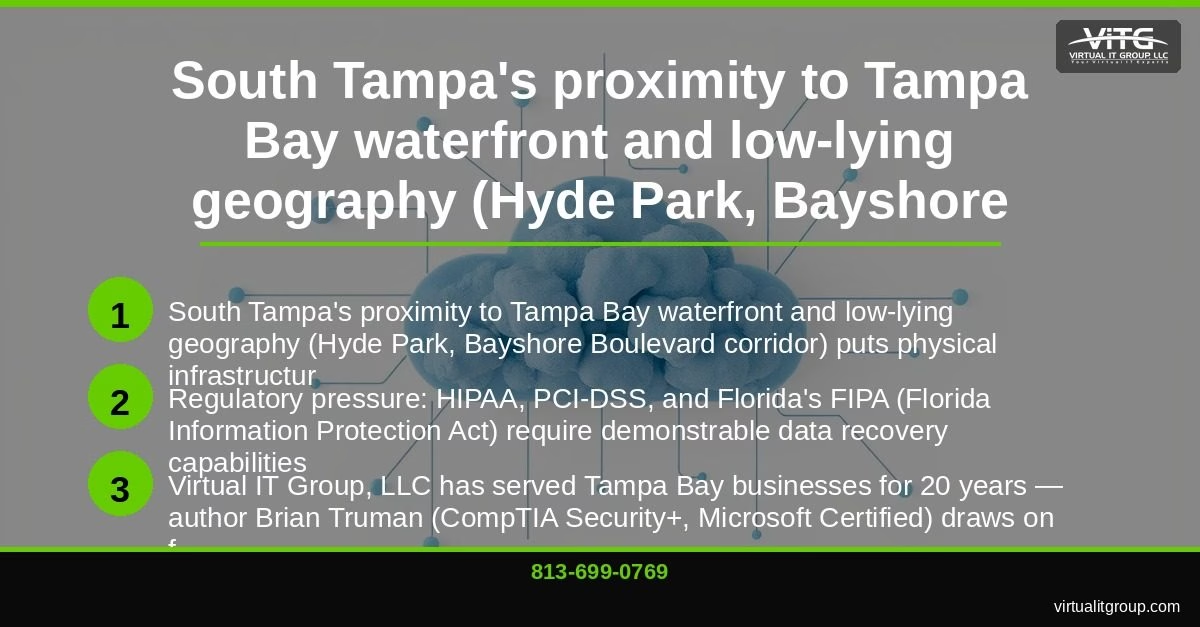
Virtual IT Group, LLC has served Tampa Bay businesses for 20 years. I’m Brian Truman — CompTIA Security+ certified, Microsoft Certified — and I personally lead DR plan reviews for SMB clients across South Tampa, New Tampa, Westchase, and the broader Hillsborough County region.
Here’s a real example of why testing matters. A 12-attorney law firm in South Tampa hired us to run a Q2 parallel test last year. During the restoration validation, we discovered their cloud backup agent had a misconfiguration that stopped replication 11 days earlier. Eleven days of case files, client communications, and billing records existed only on a local server. Nobody had received an alert. Nobody knew. We caught it during a scheduled test — not during a ransomware attack or a flood. That’s exactly what testing is for.
A separate incident: a 40-person insurance agency in Tampa had their server room flood during a tropical storm in 2025. Because we had migrated their critical systems to Microsoft Azure with geo-redundant backup, they were fully operational from home within 90 minutes. Businesses that were running on-premises-only operations during similar disruptions took an average of 3 to 5 days to recover. That gap — 90 minutes versus 4 days — is the direct result of a tested, cloud-based disaster recovery plan.
Our managed DR testing services include:
- Scheduled quarterly tests with documented results and gap analysis reports (written for business owners, not IT staff)
- Backup monitoring and alerting — we know when replication fails before you do
- Cloud-to-cloud backup for Microsoft 365 and Google Workspace
- Ransomware recovery planning and business continuity consulting
- Remote access and VPN validation for distributed teams
We serve businesses across South Tampa, New Tampa, Westchase, Ybor City, Downtown Tampa, Brandon, Clearwater, St. Petersburg, and all of Hillsborough County. Virtual IT Group, LLC is a member of the Tampa Bay Chamber of Commerce and maintains established relationships with local co-location facilities in the Tampa metro area.
Key takeaway: Virtual IT Group, LLC provides managed disaster recovery testing with documented results, gap analysis, and ongoing backup monitoring — giving South Tampa SMBs a tested plan rather than an untested assumption.
What Are the Most Common Disaster Recovery Failures Found During Tampa Bay Business Tests?
After running hundreds of DR tests across Tampa Bay, the same failures surface repeatedly. Knowing them in advance lets you check for them before we do.
Failure #1: Backups that have never been restored. This is the most common finding, by a wide margin. A backup that hasn’t been tested is an assumption. We’ve found backup jobs that showed “success” in the monitoring dashboard for months while writing corrupted data — the corruption only surfaces during a restore attempt. If you haven’t restored from backup recently, you don’t know if your backup works.
Failure #2: RTO targets that aren’t achievable. Many South Tampa SMBs set a 4-hour RTO target in their written plan. During testing, actual recovery takes 18 to 36 hours. The gap exists because nobody accounted for the time required to procure replacement hardware, reinstall software, or contact vendors during a widespread regional event when support lines are overwhelmed. Your RTO target needs to be based on a tested recovery, not a best-case estimate.
Failure #3: Staff don’t know their roles. The DR plan names an “IT coordinator” who left the company 8 months ago. The person who replaced them has never read the plan. During a tabletop exercise, nobody knows who calls the internet provider, who notifies clients, or who has the credentials to access the backup console. Contact trees and role assignments need a quarterly review — not an annual one.
Failure #4: The plan doesn’t cover remote work. Post-2020, most South Tampa teams have at least some remote work capability. But many DR plans were written before that shift and assume everyone recovers from a single office location. If your team can’t access systems from home over a secure VPN connection, your “recovery” plan has a gap that a hurricane or flood will expose immediately.
Key takeaway: The four most common DR failures in Tampa Bay businesses are untested backups, unrealistic RTO targets, outdated staff role assignments, and plans that don’t account for remote work — all of which are caught and corrected through quarterly testing.
Frequently Asked Questions: Disaster Recovery Testing for South Tampa Businesses
How often should a South Tampa business test its disaster recovery plan?
Quarterly testing is the standard we recommend for most South Tampa SMBs. A tabletop exercise in Q1, a parallel technical test in Q2 (before hurricane season), a mid-season review in Q3, and a full or parallel test in Q4 gives you four validation points per year. NIST SP 800-34, the federal standard for contingency planning, recommends testing at least annually — but annual testing is the minimum, not the target. Florida’s weather cycle makes quarterly the practical standard here.
What’s a realistic cost for disaster recovery testing services in Tampa Bay?
For most South Tampa SMBs, managed DR testing services run between $300 and $800 per quarter depending on the test type and the complexity of your environment. That’s typically included in a managed IT services agreement, which most Tampa Bay practices pay between $1,500 and $6,000 per month for, depending on team size and service scope. Compare that to $8,000 to $25,000 per hour of downtime and the math is straightforward.
Does HIPAA require disaster recovery testing for Tampa Bay medical practices?
Yes. The HIPAA Security Rule (45 CFR § 164.308(a)(7)) requires covered entities to implement and test a contingency plan that includes data backup, disaster recovery, and emergency mode operation procedures. HHS guidance on HIPAA contingency planning specifically references testing and revision as required activities — not optional ones. A South Tampa medical practice that cannot demonstrate tested recovery procedures is exposed to both regulatory penalties and civil liability.
How long does it take to recover from a ransomware attack if you have a tested DR plan?
With a tested, cloud-based disaster recovery plan, most South Tampa SMBs can restore operations within 2 to 8 hours depending on data volume and system complexity. Without a tested plan, the same recovery typically takes 3 to 7 days — and that assumes the backup data is actually intact, which untested backups often are not. The businesses we migrated to Azure-based geo-redundant backup recovered from Hurricane Ian disruptions in an average of 2 hours versus 3 to 5 days for on-premises-only operations.
What should I do first if my South Tampa business has no disaster recovery plan?
Start with a DR assessment before you try to build a plan. You need to know what systems are critical, what your actual RTO and RPO requirements are, and what backup infrastructure you currently have in place. CIS Control 11 (Data Recovery) provides a solid framework for prioritizing recovery capabilities. Then call us at (813) 699-0769 — we’ll run a no-obligation assessment and show you exactly where your gaps are before you spend a dollar on new infrastructure.
South Tampa businesses operate in one of the most weather-exposed metro areas in the country, with real regulatory pressure and real downtime costs. A disaster recovery plan that’s never been tested is not protection — it’s exposure. The quarterly framework above gives your team a structured, repeatable process to validate your plan before the next storm, the next ransomware attack, or the next failed backup forces the issue.
Virtual IT Group, LLC has spent 20 years building and testing disaster recovery plans for businesses across South Tampa, New Tampa, Westchase, Ybor City, and the broader Tampa Bay region. If you want to know exactly where your plan stands, schedule a no-obligation DR assessment with our team. Call (813) 699-0769 or visit virtualitgroup.com to get started. Don’t wait for the storm to find out what your plan is actually worth.
Virtual IT Group, LLC | Tampa Bay, FL | (813) 699-0769 | virtualitgroup.com