

Why Backup Strategy Matters for Wesley Chapel Businesses
Choosing the right backup strategy is one of the most consequential technology decisions a Wesley Chapel business can make. In the Tampa Bay region, where hurricane season runs six months out of the year and ransomware attacks continue to escalate, the gap between a well-protected company and a vulnerable one often comes down to how—and where—data is stored.
Whether you operate a medical practice in Pasco County or a professional services firm near the Wesley Chapel corridor, data loss doesn’t just mean inconvenience. It means lost revenue, broken client trust, and potential regulatory penalties. Understanding the differences between cloud backup and local backup is the first step toward building a resilient business.
The Cost of Data Loss in Your Industry
According to Datto’s State of the Channel Ransomware Report, small and midsize businesses lose an average of $5,600 per minute of unplanned downtime. For Wesley Chapel businesses in healthcare, legal, and professional services—industries that rely on continuous access to client records—the financial impact is even more severe.
Recovery without a proper backup in place can cost ten times more than prevention. We’ve seen client sites across Tampa Bay where a single server failure without adequate backup turned a $500 problem into a $50,000 crisis. The math is straightforward: investing in the right backup solution now protects your bottom line later.
Local Angle: How Tampa Bay’s Climate and Regulations Shape Backup Needs
Tampa Bay businesses face a unique combination of environmental and regulatory pressures that make backup strategy especially critical. Hurricane season, running from June through November, threatens physical infrastructure in Zephyrhills, Largo, and across the region. Flooding risks in St. Petersburg and coastal areas compound the danger to on-site hardware.
Florida Statute 501.171, the state’s data breach notification law, requires businesses to notify affected individuals within 30 days of a breach and demonstrate adequate data protection measures. For healthcare providers, HIPAA mandates redundant backup systems. Retailers handling credit card data must meet PCI-DSS requirements. These regulations don’t just suggest backup—they demand it.
What Is Local Backup and How Does It Work?
Local backup stores copies of your data on physical hardware located at your office or a nearby facility. This typically involves network-attached storage (NAS) devices, external hard drives, dedicated backup servers, or tape drives. The data remains within your direct control and can be accessed without an internet connection.
For many Wesley Chapel businesses, local backup has been the traditional approach for decades. It’s familiar, tangible, and fast. But understanding both its strengths and limitations is essential before committing to any single strategy.
Advantages of Local Backup Solutions
The primary advantage of local backup is speed. Restoring files from a device on your local network takes minutes rather than hours, because you’re not limited by internet bandwidth. For businesses that need to recover large databases or design files quickly, this speed advantage is significant.
Local backup also gives you full control over your data. There’s no third-party vendor accessing your files, and no data residency questions to resolve. Your backup hardware sits in your building, managed by your team or your IT partner.
Perhaps most practically, local backup works during internet outages—a real consideration for Wesley Chapel offices that occasionally experience connectivity disruptions during storms. If your internet goes down and you need a critical file, your local backup is still accessible.
Limitations and Risks of Local-Only Backups
The most dangerous limitation of local-only backup is co-location risk. If your backup device sits in the same building as your primary systems, a single event—fire, flood, theft, or a direct hurricane hit—destroys both your data and your backup simultaneously.
Hardware failure is another concern. Hard drives have a finite lifespan, and without proactive monitoring, a failing backup drive can go undetected for months. We’ve encountered situations at client sites where businesses believed they had backups, only to discover corrupted or incomplete data when they needed it most.
Local backups also require dedicated IT staff for maintenance, testing, and monitoring. As your data grows, expanding local infrastructure means purchasing additional hardware—an expense that compounds over time. And critically, if ransomware infects your network, it can encrypt local backups connected to the same system, rendering them useless.
Understanding Cloud Backup for Tampa Bay Businesses
Cloud backup for Tampa Bay businesses stores encrypted copies of your data on secure, geographically dispersed servers maintained by professional data center operators. Unlike local backup, cloud solutions transmit your data over the internet to off-site facilities that are typically located outside hurricane-prone regions.
The shift toward cloud backup has accelerated dramatically in recent years, driven by falling storage costs, improved internet infrastructure, and the growing sophistication of ransomware threats. For businesses across the Tampa Bay corridor, cloud backup addresses many of the vulnerabilities that make local-only strategies risky.
Key Benefits of Cloud Backup Solutions
The most compelling benefit of cloud backup is disaster resilience. Your data survives hurricanes, floods, office fires, and physical theft because it’s stored hundreds or thousands of miles from your Wesley Chapel location. Reputable providers like Microsoft Azure and Amazon Web Services replicate data across multiple geographic regions for additional redundancy.
Cloud backup runs automatically—daily, hourly, or even continuously—without requiring staff intervention. This eliminates the human error factor that plagues manual backup routines. According to Veeam’s Data Protection Trends Report, human error accounts for a significant percentage of backup failures in businesses without automated solutions.
Scalability is another major advantage. Cloud storage scales on demand—you pay only for what you use, with no hardware purchases required. Built-in encryption and compliance certifications (HIPAA, SOC 2, PCI-DSS) simplify regulatory requirements. And remote restore capability means businesses in Largo, Zephyrhills, and across the region can recover data from any location with internet access.
Cloud Backup Drawbacks and Considerations
Cloud backup’s primary limitation is restore speed. Recovering large datasets depends entirely on your internet bandwidth. For a Wesley Chapel business with a standard 100 Mbps connection, restoring 500 GB of data could take several hours. In Florida, where network variability during storm season is a real factor, this dependency warrants careful planning.
Cloud backup also means ongoing subscription costs. Unlike local hardware that you purchase once, cloud services require monthly or annual payments. Over a five-year period, cumulative cloud costs can exceed the one-time investment in local infrastructure—though this comparison must factor in hardware replacement cycles and maintenance labor.
Data residency is a consideration for compliance-sensitive industries. You need to know where your cloud provider stores data and whether those locations meet your regulatory requirements. Finally, very large initial backups (50 GB or more) can take extended periods to upload, and peak usage times may introduce latency.
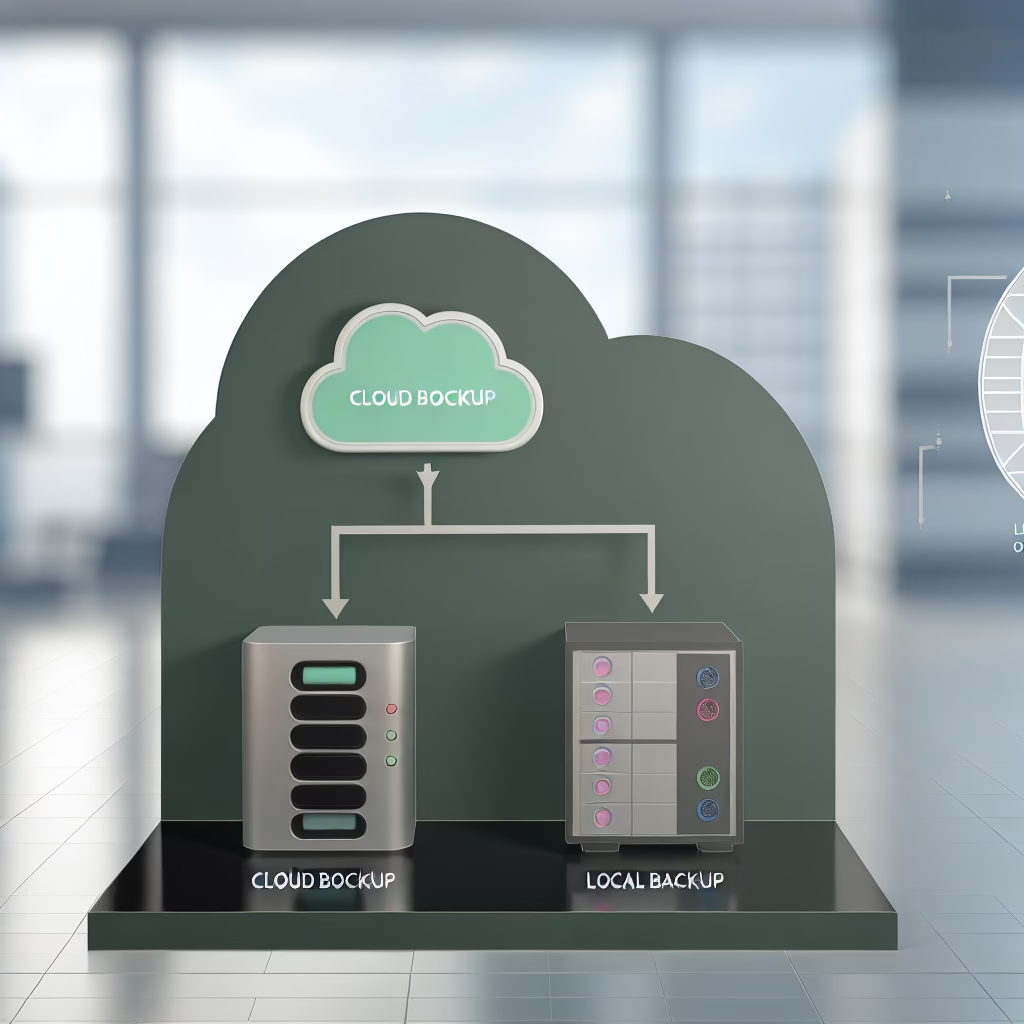
Cloud vs. Local Backup: Direct Comparison for Wesley Chapel Businesses
Wesley Chapel businesses typically need a backup solution that balances recovery speed, cost efficiency, and protection against both cyber threats and natural disasters. The right choice depends on your data volume, compliance requirements, internet reliability, and budget. Here’s how cloud and local backup compare across the factors that matter most.
Performance, Cost, and Recovery Time Comparison
| Feature | Local Backup | Cloud Backup | Hybrid (Local + Cloud) |
|---|---|---|---|
| Recovery Time (RTO) | Minutes | 2–8 hours | Minutes (local) with cloud failsafe |
| Recovery Point (RPO) | Hourly to daily | Continuous to hourly | Near-continuous |
| Upfront Cost | $1,500–$5,000+ (hardware) | $0–$200 (setup fees) | $1,500–$3,000 (hardware + setup) |
| Monthly Cost (as of 2026) | $50–$150 (maintenance) | $50–$300 (subscription) | $150–$400 (combined) |
| Disaster Protection | Low (same-site risk) | High (off-site, geo-redundant) | Highest (multi-layer) |
| Ransomware Resistance | Low (network-connected) | High (air-gapped/immutable) | Highest (air-gapped + local isolation) |
| Internet Dependency | None | Full | Partial (local works offline) |
| Scalability | Limited (hardware purchases) | Unlimited (pay-as-you-grow) | Flexible |
| Compliance Readiness | Moderate (requires configuration) | High (built-in certifications) | Highest (meets all frameworks) |
| Best For | Fast recovery, small datasets, tight budgets | Disaster protection, remote teams, compliance | Any business serious about continuity |
When calculating ROI for your Tampa Bay business, factor in the true cost of downtime—not just the backup expense. A $200/month cloud subscription that prevents a single day of downtime has already paid for itself many times over.
Security and Compliance: Which Method Protects Your Data Better?
From a security standpoint, cloud backup holds a significant advantage against modern threats. Local backups connected to your network are vulnerable to the same ransomware that encrypts your primary systems. If an attacker gains network access, they can—and routinely do—target backup drives first to eliminate your recovery options.
Cloud backup providers offer air-gapped and immutable storage options that are physically and logically separated from your network. Even if ransomware compromises every device in your Wesley Chapel office, your cloud backup remains untouched. This air-gap protection is what the Cybersecurity and Infrastructure Security Agency (CISA) specifically recommends for ransomware defense.
For compliance, the hybrid approach is strongest. Florida’s data breach notification law favors organizations that demonstrate redundant data protection. Healthcare providers across the St. Petersburg and Tampa Bay area find that HIPAA auditors expect both on-site and off-site backup capabilities. Cloud solutions typically include automatic encryption (AES-256) and compliance certifications, while local backup requires separate encryption configuration—an extra step that’s frequently overlooked.
The Hybrid Backup Strategy: Why Tampa Bay’s Top Companies Use Both
The hybrid backup strategy combines local backup speed with cloud backup resilience, addressing the full spectrum of threats facing Tampa Bay businesses. This approach isn’t just a best practice recommendation—it’s the standard that compliance auditors in Florida increasingly expect to see.
For growing Wesley Chapel businesses, hybrid backup provides the scalability of cloud storage with the immediate recovery capability of local devices. It eliminates the single point of failure inherent in either approach alone.
How the 3-2-1 Backup Strategy Protects Wesley Chapel Businesses
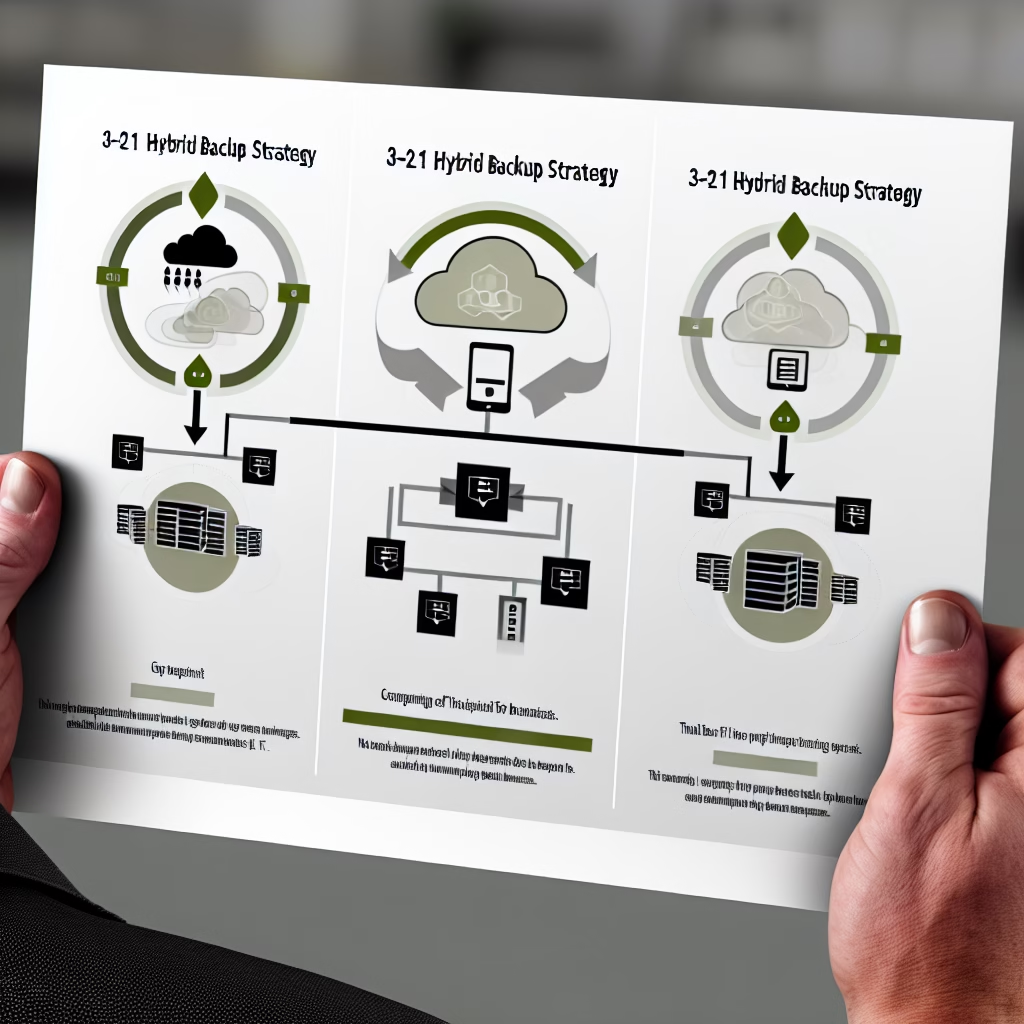
The 3-2-1 backup rule is the gold standard framework recommended by the National Institute of Standards and Technology (NIST) Cybersecurity Framework and adopted by organizations worldwide. Here’s how it works:
- 3 copies of your data: Your primary working data, plus one local backup copy, plus one cloud backup copy
- 2 different media types: Local SSD or NAS for fast recovery, plus cloud storage for secure off-site protection
- 1 copy off-site: Cloud backup stored outside your physical location—and ideally outside the hurricane zone—ensures recovery even if your Wesley Chapel office is completely destroyed
This framework ensures recovery in virtually any scenario: hardware failure, ransomware attack, natural disaster, accidental deletion, or theft. For Pasco County businesses navigating both compliance requirements and hurricane preparedness, the 3-2-1 strategy satisfies every concern simultaneously.
Virtual IT Group’s Decision Framework: Choose the Right Approach for Your Business
Choose local backup if: You have a small data footprint (under 100 GB), need sub-minute recovery times for specific applications, operate in an environment with unreliable internet, and have IT staff available to manage hardware maintenance and testing.
Choose cloud backup if: You need disaster protection against hurricanes and physical threats, require compliance certifications for HIPAA or PCI-DSS, have a distributed or remote workforce, and prefer predictable monthly costs over capital expenditure.
Choose hybrid backup if: You want the fastest possible recovery AND disaster-proof protection, operate in a regulated industry, manage more than 100 GB of business-critical data, or simply want the peace of mind that comes from eliminating every single point of failure. For most Wesley Chapel businesses, this is our recommendation.
How Virtual IT Group Helps Wesley Chapel Businesses Choose the Right Backup Solution
Virtual IT Group has served the Tampa Bay region for over 40 years, helping businesses across Wesley Chapel, Zephyrhills, St. Petersburg, and the surrounding Pasco County area implement backup and disaster recovery solutions that actually work when they’re needed most. As a CompTIA Partner and Microsoft Partner, our team brings both the technical expertise and the local knowledge required to protect your business.
We don’t sell one-size-fits-all solutions. Every business has different data volumes, compliance obligations, recovery time requirements, and budgets. Our approach starts with understanding your specific situation before recommending any technology.
Our Backup Assessment Process
Virtual IT Group’s backup assessment follows a structured four-step process designed to eliminate guesswork:
- Free consultation: We evaluate your current data protection posture and identify gaps—including backup systems that haven’t been tested or verified
- Compliance audit: We review your obligations under Florida-specific regulations including Florida SBDC guidelines, HIPAA, PCI-DSS, and the state’s breach notification law
- Cost-benefit analysis: We compare local, cloud, and hybrid approaches against your specific data volume, recovery time objectives (RTO), and recovery point objectives (RPO)
- Implementation plan: We design a deployment roadmap with zero-downtime migration, including managed IT services for Tampa Bay businesses that includes ongoing monitoring, testing, and compliance support
Our team provides data security and compliance solutions that integrate seamlessly with your backup strategy, ensuring end-to-end protection for your Wesley Chapel business. Learn more about cloud migration checklist.
Frequently Asked Questions
What does a complete backup solution cost for a Wesley Chapel business with 50 employees?
Wesley Chapel businesses with around 50 employees typically spend between $150 and $400 per month for a hybrid backup solution that includes both local and cloud components. Local-only setups generally require $1,500 to $5,000 in upfront hardware costs plus $50 to $150 per month for maintenance. Cloud-only solutions range from $50 to $300 per month depending on data volume and retention policies. The right investment depends on your recovery time requirements, compliance obligations, and total data footprint. Virtual IT Group provides custom quotes after a free assessment of your specific environment and needs.
How quickly can we recover data from cloud backup if we experience a ransomware attack?
Cloud backup recovery from a ransomware attack typically takes between 2 and 8 hours, depending on the volume of data being restored and your internet bandwidth. The critical advantage of cloud backup in a ransomware scenario is that air-gapped and immutable cloud backups are completely immune to the encryption attack—your restore point is clean and verified. Local backups connected to the same network may also be encrypted by the ransomware, making them unreliable as your sole recovery option. Virtual IT Group implements immutable backup configurations that prevent attackers from altering or deleting backup data, giving Wesley Chapel businesses a guaranteed clean recovery point regardless of the attack’s severity.
Are cloud backups safe from Florida hurricanes and data center failures?
Yes, reputable cloud backup providers like Microsoft Azure and Amazon Web Services maintain geographically dispersed data centers located well outside Florida’s hurricane zones. Your data is automatically replicated across multiple facilities—often in different states or regions—so even if one data center experiences an outage, your backups remain accessible from another location. This geographic redundancy is precisely what makes cloud backup essential for businesses in St. Petersburg, coastal Tampa Bay, and other flood-prone areas. A Category 4 hurricane could destroy your Wesley Chapel office entirely, and your cloud backup would be completely unaffected and ready for restoration within hours.
Can we use only cloud backup without local backup to save money?
Cloud-only backup is a viable option if your business has reliable high-speed internet, your recovery time objectives are flexible (you can tolerate several hours of downtime), and you’re not in a heavily regulated industry. However, our expert recommendation for most businesses is the hybrid 3-2-1 approach because it protects against internet outages, provides faster local recovery for day-to-day incidents, and satisfies the redundancy requirements of compliance frameworks like HIPAA and PCI-DSS. For compliance-heavy industries such as healthcare and financial services, auditors in Florida typically expect to see both on-site and off-site backup capabilities. The incremental cost of adding local backup to a cloud solution is modest compared to the risk reduction it provides.
What’s the difference between cloud backup and cloud storage like Dropbox or OneDrive?
Cloud storage services like Dropbox and OneDrive are file synchronization tools—they mirror your current files across devices but do not provide true backup protection. If ransomware encrypts a file on your computer, the corrupted version syncs to your cloud storage, overwriting the good copy. Cloud backup, by contrast, creates versioned historical snapshots of your data at specific points in time, stores them in isolated and encrypted environments, and allows you to restore to any previous clean state. For business-critical data, cloud backup includes features like immutable storage, extended retention policies, and compliance certifications that cloud storage services simply don’t offer. Wesley Chapel businesses should treat cloud storage as a productivity tool and cloud backup as a data protection tool—they serve fundamentally different purposes.
Protect Your Wesley Chapel Business Data—Start with a Free Assessment
Your data is the foundation of your business. Whether you choose cloud backup, local backup, or the hybrid approach we recommend for most Wesley Chapel organizations, the worst strategy is no strategy at all. Every week without a tested, reliable backup plan is a week your business operates one disaster away from catastrophic data loss.
Virtual IT Group has spent over 40 years helping Tampa Bay businesses—from growing startups in Pasco County to established firms across the region—implement backup and disaster recovery solutions that actually perform when the pressure is on. Our team understands the unique challenges of operating in Florida, from hurricane preparedness to state-specific compliance requirements.
Don’t leave your Wesley Chapel business data unprotected. Schedule a free backup strategy consultation with Virtual IT Group today. We’ll evaluate your current backup posture, identify gaps, and recommend a right-sized solution that fits your budget and protects your future. Visit virtualitgroup.com or contact our Tampa Bay team to get started.