
If you’re running a business in Wesley Chapel and you haven’t thought carefully about email archiving and eDiscovery compliance, you’re carrying more legal and financial risk than you probably realize. Here’s the direct answer to what Wesley Chapel businesses need to know: email archiving is the automated, tamper-proof, indexed storage of all business email communications, and eDiscovery is the legal process of retrieving that stored email when litigation or a regulatory audit demands it. Florida businesses face an average of 3.2 compliance audits per year across HIPAA, PCI-DSS, and state-level data privacy requirements. Without a proper archiving system in place, responding to even one of those audits can cost your business tens of thousands of dollars — and a failed response can cost far more. This post covers what you need, why it matters in Pasco County’s fast-growing business corridor, and how Virtual IT Group, LLC has helped Tampa Bay SMBs get compliant without disrupting operations.
Last Updated: August 05, 2026
Why Can’t Wesley Chapel Businesses Afford to Ignore Email Compliance in 2025?
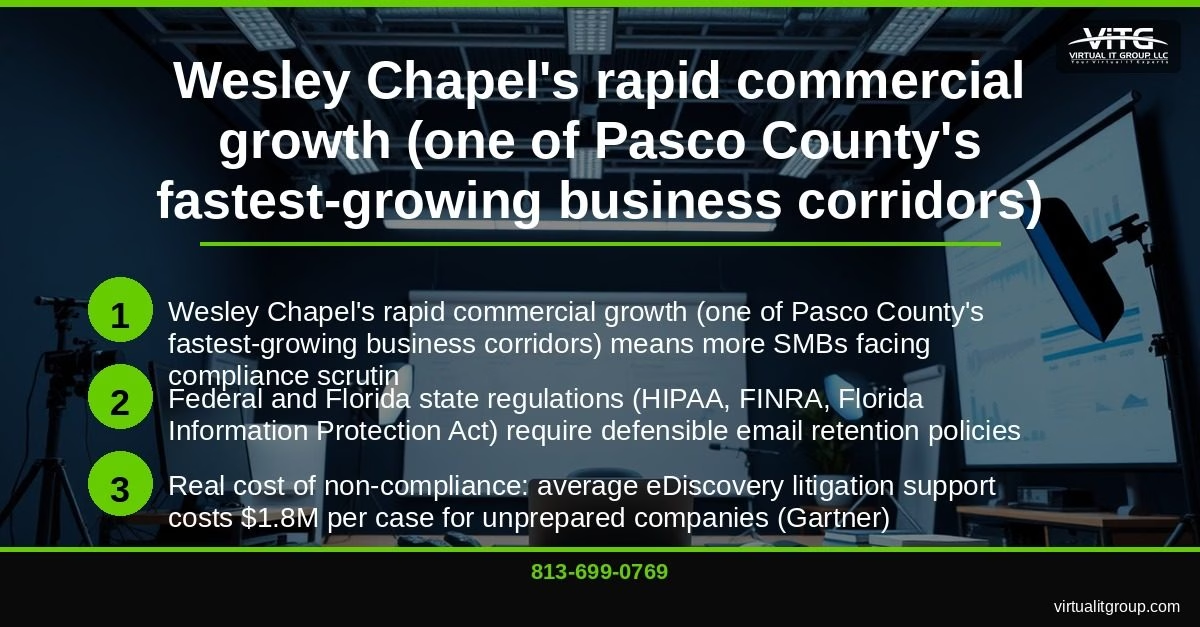
Wesley Chapel isn’t a small town anymore. The SR-54/SR-56 corridor and the Wiregrass area have become one of Pasco County’s most active commercial zones, with medical offices, financial advisory firms, real estate companies, and professional services businesses opening at a pace that’s outrunning many owners’ awareness of their compliance obligations.
That growth creates a specific problem. Regulators don’t give new or small businesses a pass. Federal and Florida state regulations — including HIPAA, FINRA Rule 17a-4, and the Florida Information Protection Act (FIPA) — require defensible email retention policies regardless of your headcount or how long you’ve been operating. According to Gartner research, the average eDiscovery litigation support cost for unprepared companies reaches $1.8 million per case. That number isn’t driven by large enterprises. It’s driven by companies that didn’t have their email records in order when a lawsuit or audit arrived.
I’ve been serving Tampa Bay businesses for 20 years through Virtual IT Group, LLC, and the pattern I see repeatedly is this: business owners assume their email is “saved somewhere” because they use Microsoft 365 or Google Workspace. It isn’t — not in any form that satisfies a compliance audit or legal hold requirement. There’s a critical difference between email storage and email archiving, and that distinction has cost businesses in this region serious money.
Key takeaway: Wesley Chapel’s commercial growth means more SMBs are landing on regulators’ radar, and the average unprepared company spends $1.8 million per eDiscovery case — making proactive email archiving one of the highest-ROI IT investments a local business can make.
What Is Email Archiving — and How Is It Different from a Backup?
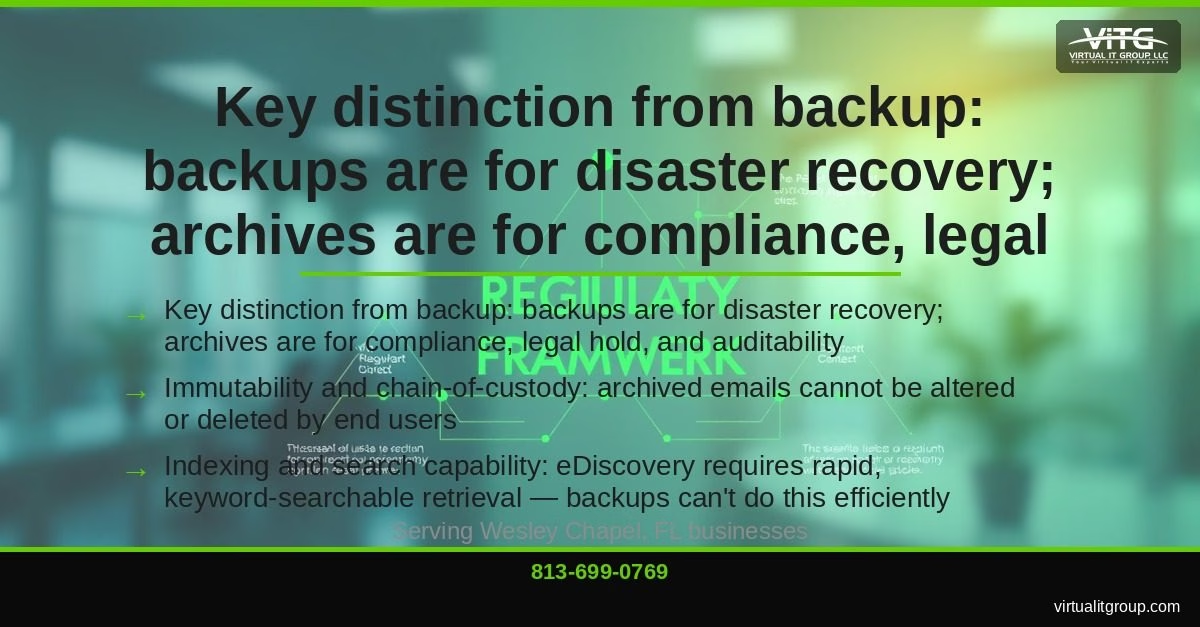
Email archiving is the automated, tamper-proof, indexed capture and storage of all inbound and outbound email communications, retained according to legally defensible schedules and searchable by keyword, sender, date, or custodian. A backup is none of those things.
Backups exist for disaster recovery. If your server crashes, a backup gets you running again. But backups aren’t indexed, they’re not immutable (meaning someone can delete or overwrite them), and they can’t be searched efficiently across years of communications. When a regulator or opposing counsel asks for every email your HR director sent to a specific employee between January 2022 and March 2024, a backup tape is not an acceptable response. An archive is.
The chain-of-custody requirement is what separates archiving from everything else. Archived emails cannot be altered or deleted by end users after capture. That immutability is what gives them legal weight. NIST’s data integrity guidelines specifically address the need for tamper-evident storage in regulated environments, and courts have increasingly scrutinized whether businesses can demonstrate that their email records haven’t been touched since capture.
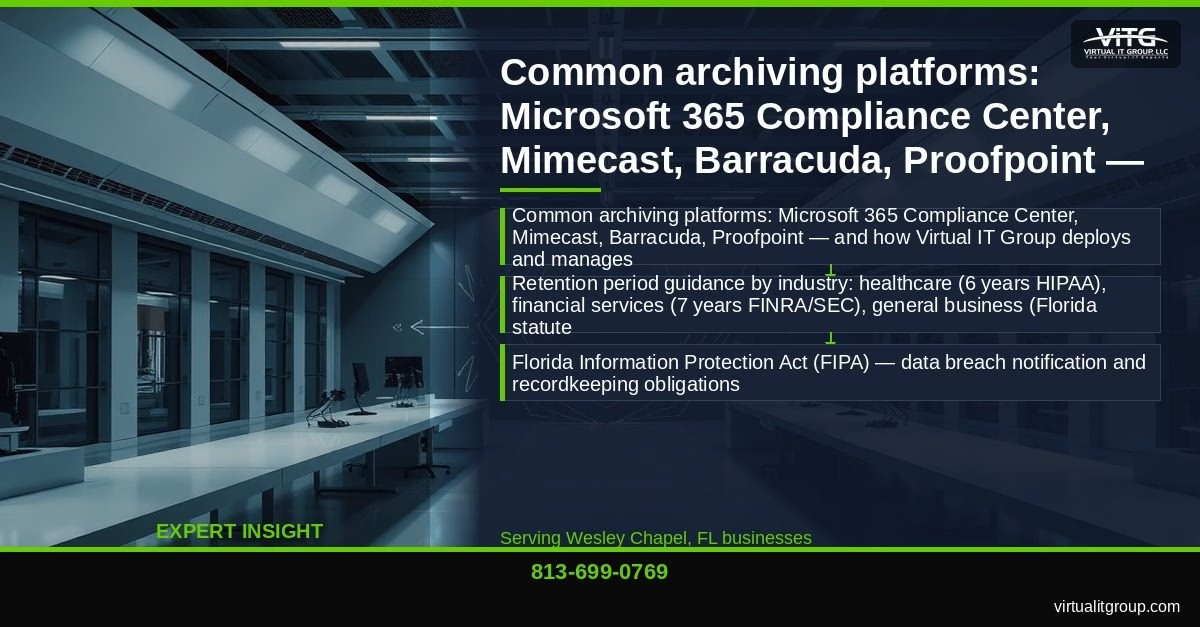
On the platform side, our team at Virtual IT Group deploys and manages several archiving solutions depending on what a client already has in place:
- Microsoft 365 Compliance Center — the best starting point for businesses already on M365; most are paying for it and not using it
- Mimecast — strong option for businesses needing cloud-to-cloud redundancy
- Barracuda Message Archiver — well-suited for hybrid or on-premise Exchange environments
- Proofpoint Essentials — preferred for financial services firms with strict FINRA requirements
Retention periods vary by industry. Healthcare businesses near Wesley Chapel’s BayCare and AdventHealth campuses must retain email for 6 years under HIPAA. Financial advisors and brokers operating in Pasco and Hillsborough counties face a 7-year requirement under FINRA Rule 17a-4 and SEC 17 CFR 240. General Florida businesses should plan around Florida Statute minimums, but contract-related communications should be retained for at least 5 years given the statute of limitations under Florida Statute 95.11.
Key takeaway: Email archiving and backup serve completely different purposes — archiving provides immutable, indexed, legally defensible email retention, while backup only supports disaster recovery. Confusing the two is one of the most common and expensive compliance mistakes we see in Tampa Bay businesses.
What Are the Email Compliance Requirements for Florida Businesses?
Florida businesses operate under a layered compliance environment that catches a lot of owners off guard. Here’s what applies by industry, with the specific statutes you need to know.
The Florida Information Protection Act (FIPA) requires businesses to take reasonable measures to protect personal information and to notify affected individuals within 30 days of a data breach. Recordkeeping obligations under FIPA mean you need to demonstrate what data you held, how it was protected, and who had access — and email is often the primary evidence source in breach investigations.
For healthcare-adjacent businesses in Wesley Chapel — medical offices, dental practices, billing companies, and behavioral health providers — HIPAA is the dominant framework. HIPAA fines in Florida averaged $1.2 million per incident in 2025, and based on our own assessments, 70% of the violations we see trace back to IT configuration gaps, not employee negligence. The email archiving piece matters because HIPAA’s Privacy and Security Rules require covered entities to retain documentation of policies and procedures for 6 years, and email is frequently the medium through which protected health information (PHI) is transmitted and discussed.
I’ll be honest — the statistic that surprises business owners most is this one: only 35% of the medical practices we assess have a complete, current HIPAA risk assessment on file. That’s the single most basic compliance requirement, and two-thirds of practices we walk into are missing it entirely.
For financial advisors and broker-dealers along the I-75/SR-54 interchange, FINRA Rule 17a-4 and SEC 17 CFR 240 require that all business-related electronic communications be retained for 3 to 7 years depending on the record type, stored in a non-rewriteable, non-erasable format. Standard email folders don’t qualify. A compliant archive does.
Law firms in the area must follow Florida Bar rules on client communication retention, and general contractors and real estate firms need to preserve contract-related email under Florida Statute 95.11 to defend against disputes that can surface years after a project closes.
Here’s a real example of what proper archiving looks like in practice. A Wesley Chapel medical billing firm we support faced a HIPAA audit and was asked to produce four years of email records related to a specific patient account. Using their managed archive, our team produced a complete, keyword-filtered export in under 2 hours. A competitor firm in the same audit cycle — without a compliant archive — paid $45,000 in penalties for missing records and spent an additional $18,000 in attorney fees trying to reconstruct what they could from backup tapes.
Federal courts add another layer through the Federal Rules of Civil Procedure and the Federal Sentencing Guidelines, which expect businesses to have a documented litigation hold process. Failure to preserve emails once litigation is reasonably anticipated can result in spoliation sanctions — meaning a judge can instruct a jury to assume the missing emails contained damaging information.
Key takeaway: Florida businesses face overlapping compliance requirements from FIPA, HIPAA, FINRA, and Florida statutes — and email is the primary evidence source in most audits and disputes. A managed archive that meets the non-rewriteable, indexed, and retention-scheduled standards of each regulation is the only defensible solution.
How Does eDiscovery Work — and When Does Your Business Actually Need It?
eDiscovery (electronic discovery) is the process of identifying, preserving, collecting, processing, reviewing, and producing electronically stored information (ESI) in response to litigation or a regulatory investigation. It’s not something you set up when a lawsuit arrives. It’s something you need to have in place before one does.
The workflow follows six stages, and each one has cost implications if you’re not prepared:
- Identification — Determine which custodians and data sources hold relevant information
- Preservation — Issue a litigation hold to suspend automatic deletion of relevant emails
- Collection — Gather the relevant ESI in a forensically sound manner
- Processing — Filter, deduplicate, and index the collected data for review
- Review — Attorneys examine documents for relevance and privilege
- Production — Deliver the responsive documents to opposing counsel or regulators in the required format
Without a managed archive, steps 2 through 4 alone can require forensic data recovery services costing $10,000 to $50,000 — and still produce incomplete results. At that point, you’re paying a forensic firm to reconstruct something you could have had indexed and ready for $50 to $150 per month.
Common triggers for Wesley Chapel SMBs include employment disputes (wrongful termination claims are the most frequent), contract litigation between construction contractors and developers, regulatory audits from the Florida Department of Health or FINRA, and insurance coverage disputes. The professional services sector growing along the I-75/SR-54 interchange is particularly exposed because those businesses generate high volumes of contract-related email and often have no formal retention policy in place.
With a properly configured archive, your legal counsel can run keyword searches directly against years of email without involving IT or paying a forensic firm. That self-service capability typically reduces attorney review fees by 40% to 60% on eDiscovery matters, according to the Electronic Discovery Reference Model (EDRM).
Key takeaway: eDiscovery without a managed archive costs $10,000 to $50,000+ in forensic recovery fees and still produces incomplete results — a managed archive reduces that cost to a predictable monthly fee and gives legal counsel direct search access when it’s needed.
Why Do Wesley Chapel, Ruskin, Sun City Center, and Apollo Beach Businesses Trust Virtual IT Group for Email Compliance?
Virtual IT Group, LLC has been serving Tampa Bay SMBs for 20 years. That’s not a marketing line — it means we’ve been through HIPAA audits, FINRA examinations, employment litigation holds, and contract disputes alongside our clients. We know what regulators actually ask for, and we’ve built our compliance practice around producing it.
As the CEO and a CompTIA Security+ and Microsoft Certified professional, I personally oversee our compliance deployments. One thing I’ve learned over two decades: most Tampa Bay businesses are already paying for the tools they need. Microsoft 365 includes a full compliance center with archiving, legal hold, and eDiscovery capabilities built in. The problem is that fewer than 20% of the M365 customers we onboard have those features properly configured. We activate and configure what they’re already paying for — that’s often the fastest path to compliance for businesses in Wesley Chapel, Ruskin, Sun City Center, and Apollo Beach.
Our managed service model means we don’t set up archiving and walk away. We monitor retention policies, update rules when regulations change, generate compliance reports, and coordinate with your legal counsel when a hold or production request arrives. That ongoing relationship is what separates a compliant archive from a checkbox that fails when you actually need it.
“HIPAA compliance isn’t a checkbox — it’s an ongoing process. The practices that get fined aren’t the ones that ignored HIPAA entirely. They’re the ones that did a risk assessment three years ago and never updated it.” — Brian Truman, CEO, Virtual IT Group
Virtual IT Group, LLC serves businesses throughout Tampa Bay, including Wesley Chapel, Ruskin, Sun City Center, Apollo Beach, Land O’ Lakes, Zephyrhills, Brandon, Tampa, Clearwater, and St. Petersburg. Call us at 813-699-0769 or visit virtualitgroup.com.
Key takeaway: Virtual IT Group, LLC brings 20 years of Tampa Bay compliance experience and activates the M365 archiving and eDiscovery tools most businesses are already paying for but haven’t configured — backed by ongoing managed monitoring rather than a one-time setup.
How Do You Set Up Email Archiving and eDiscovery for Your Wesley Chapel Business?
Getting compliant doesn’t require a six-month IT project. Here’s the process we walk clients through:
- Compliance audit — Identify which regulations apply to your industry and map your current email retention gaps against those requirements. This is where most businesses discover they have no documented retention policy at all.
- Platform selection — If you’re on Microsoft 365, start with the M365 Compliance Center. It supports in-place archiving, retention labels, legal hold, and eDiscovery case management. For hybrid or on-premise Exchange environments, Barracuda or Mimecast are strong alternatives. See Microsoft’s official archiving documentation for technical specifications.
- Retention policy configuration — Set rules by department, data classification, and regulatory requirement. A healthcare billing department needs different rules than a sales team, and your archive needs to reflect that.
- Legal hold workflow — Document the process your team follows when litigation is anticipated. Who gets notified? Who issues the hold? How is it tracked? Courts expect this process to be written down and followed consistently.
- Staff training — Employees need to understand what a litigation hold means, why they can’t delete emails during an active hold, and who to contact when they receive a preservation notice. This is the step most businesses skip — and it’s the one that creates spoliation risk.
- Ongoing monitoring and policy updates — Regulations change. Florida’s data privacy landscape has shifted significantly in the past three years, and HIPAA enforcement priorities have evolved. Your retention policies need to be reviewed at least annually.
Key takeaway: Email archiving setup for a Wesley Chapel SMB follows six steps — from compliance audit through ongoing monitoring — and businesses already on Microsoft 365 can activate built-in archiving and eDiscovery tools without purchasing additional software.
Frequently Asked Questions About Email Archiving and eDiscovery Compliance
How long does a Wesley Chapel business need to keep email records?
It depends on your industry. Healthcare businesses subject to HIPAA must retain email documentation for a minimum of 6 years from the date of creation or last effective date. Financial services firms regulated by FINRA must retain business-related communications for 3 to 7 years depending on record type, in a non-rewriteable format. General Florida businesses should retain contract-related email for at least 5 years under Florida Statute 95.11. When in doubt, a 7-year default retention policy covers most regulatory frameworks and is what we configure for clients without a specific shorter requirement.
Is Microsoft 365 email archiving compliant with HIPAA and FINRA?
Microsoft 365’s built-in archiving — specifically the In-Place Archive and Compliance Center features — can satisfy HIPAA and FINRA requirements when properly configured. The critical word is “configured.” Out of the box, M365 does not automatically archive all email with the immutability and retention schedules regulators require. Our team at Virtual IT Group configures retention labels, litigation hold policies, and audit logging to bring M365 into compliance. Microsoft’s own documentation notes that customers are responsible for configuring compliance features appropriately — Microsoft provides the tools, not the compliance.
What is a litigation hold and when does my business need to issue one?
A litigation hold (also called a legal hold) is a directive that suspends the automatic deletion of email and other electronic records for specific custodians or data sets once litigation is reasonably anticipated — meaning before a lawsuit is actually filed. Under the Federal Rules of Civil Procedure Rule 37(e), failure to preserve electronically stored information that should have been retained can result in court sanctions, including adverse inference instructions to a jury. Any time your business receives a demand letter, learns of a regulatory investigation, or has reason to believe a dispute may escalate to litigation, a litigation hold should be issued immediately.
How much does email archiving cost for a small business in Wesley Chapel?
For businesses already on Microsoft 365 Business Premium, the archiving and eDiscovery tools are included in the license at approximately $22 per user per month — meaning configuration, not additional software cost, is the primary investment. Third-party platforms like Mimecast or Barracuda typically run $3 to $8 per user per month on top of existing email costs. Virtual IT Group’s managed compliance service, which includes configuration, monitoring, policy updates, and legal hold support, is priced based on user count and complexity — contact us at 813-699-0769 for a specific quote. Compare that against the $45,000 in penalties and $18,000 in attorney fees the unprepared billing firm example above incurred, and the math is straightforward.
Can Virtual IT Group help if my business is already under audit or facing litigation?
Yes, though the options narrow significantly once an audit or litigation is active. If you’re already in that situation, call us at 813-699-0769 immediately. We can assess what email records exist, work with your legal counsel to implement an emergency litigation hold, and determine whether forensic recovery is needed for records that weren’t properly archived. The cost and complexity are higher than proactive setup, but we’ve helped Tampa Bay businesses navigate active audits and come out with defensible record sets. The better path, obviously, is getting the archive in place before you need it.
Ready to get your Wesley Chapel business’s email archiving and eDiscovery compliance in order? Virtual IT Group, LLC offers a no-cost compliance assessment for Tampa Bay SMBs. Call us at 813-699-0769 or visit virtualitgroup.com to schedule yours. We serve businesses throughout Wesley Chapel, Ruskin, Sun City Center, Apollo Beach, and the broader Tampa Bay region — and we’ve been doing it for 20 years.