
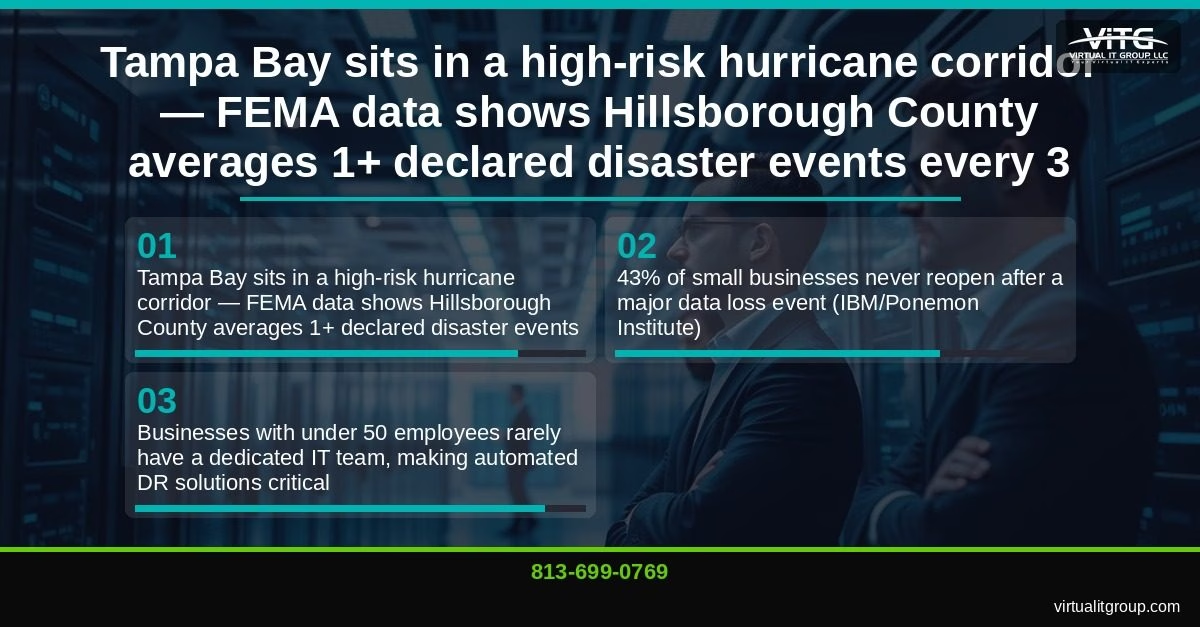
If your Tampa Bay business has fewer than 50 employees and no dedicated IT team, a single disaster — hurricane, ransomware, accidental deletion — can permanently close your doors. The seven disaster recovery solutions ranked below are evaluated on four criteria: Recovery Time Objective (RTO), Recovery Point Objective (RPO), cost per seat, and how manageable they are for a small business without in-house IT staff. Read this before your next storm season.
Last Updated: June 28, 2026
I’m Brian Truman, CEO of Virtual IT Group, LLC, CompTIA Security+ certified and Microsoft Certified, with 20 years managing IT infrastructure for Tampa Bay businesses. These rankings come from real deployments, not vendor brochures.
Why Tampa Small Businesses Can’t Afford to Skip Disaster Recovery
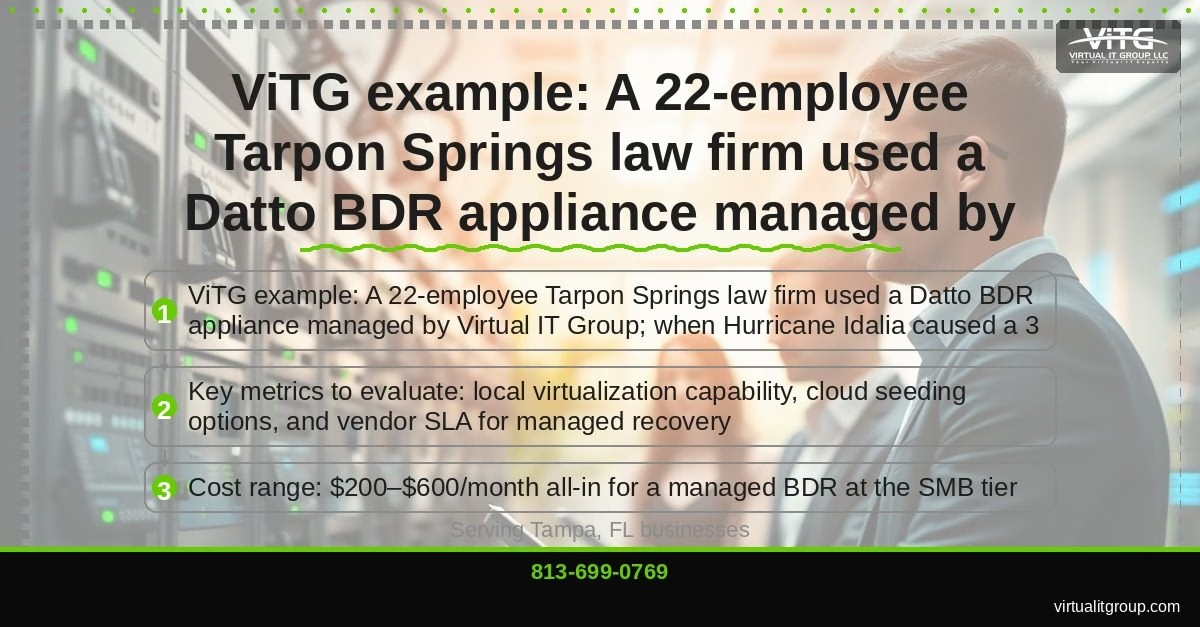
FEMA data shows Hillsborough County averages more than one declared disaster event every three years. That’s not a hypothetical — that’s a statistical certainty. According to the IBM/Ponemon Institute, 43% of small businesses never reopen after a major data loss event. And yet, when our team at Virtual IT Group, LLC conducts an initial IT assessment, 87% of new clients are running backup strategies that either haven’t been tested in over a year or have silent failures they don’t know about.
While Hillsborough County faces frequent disaster events, businesses in nearby coastal areas like Apollo Beach face similar challenges—and learning how other Florida coastal businesses prepare for hurricane season can provide valuable insights for your own disaster recovery strategy.
When we conduct these assessments, we don’t just look at whether backups exist — we verify they actually work through hands-on testing, because why untested backups fail when you need them most is a lesson too many Tampa Bay businesses learn the hard way.
The backup strategies we evaluate in this guide are only as reliable as your testing discipline—which is why regularly testing your disaster recovery plan should be a non-negotiable quarterly practice for any Tampa Bay business.
The backup strategies we evaluate in this guide are only as reliable as your testing discipline—which is why regularly testing your disaster recovery plan should be a non-negotiable quarterly practice for any Tampa Bay business, and implementing a proven backup framework like the 3-2-1 rule ensures your backups follow industry best practices.
Beyond the immediate operational disruption, understanding the financial impact of unexpected downtime reinforces why disaster recovery isn’t optional for small businesses.
Businesses with under 50 employees rarely have anyone whose full-time job is watching backup logs. That makes automated, managed disaster recovery solutions not just convenient — they’re the only realistic option.
Beyond server and data recovery, don’t overlook a critical vulnerability: if your team can’t communicate with clients and each other when disaster strikes, even a perfectly restored IT infrastructure won’t save your business—which is why ensuring your phone system stays operational during disasters is just as important as backing up your servers.
Beyond server and data recovery, don’t overlook a critical vulnerability: if your team can’t communicate with clients and each other when disaster strikes, even a perfectly restored IT infrastructure won’t save your business—which is why ensuring your phone system stays operational during disasters is just as important as backing up your servers. For Tampa Bay businesses, having a remote work strategy in place is equally essential; learn how keeping your team productive when disaster strikes can minimize revenue loss while your primary systems are being restored.
The key is ensuring your backups follow a tested framework—learn more about implementing a proven backup strategy like the 3-2-1 rule without inflating your IT budget.
Key takeaway: Tampa Bay’s hurricane corridor, combined with the reality that most SMBs have no dedicated IT staff, makes automated disaster recovery a business survival requirement — not an IT luxury.
1. Cloud-Based BDR Appliances: What’s the Fastest Way to Recover a Tampa Office After a Storm?
TL;DR: A Business Continuity and Disaster Recovery (BDR) appliance delivers sub-1-hour RTO and near-zero RPO by continuously imaging your servers and syncing encrypted backups to a secure cloud data center. It’s the fastest full-server recovery option available to SMBs.
What it is: A BDR appliance is a physical or virtual device that takes incremental snapshots of your servers every 15–60 minutes and replicates those images to an offsite cloud data center. If your server fails, the appliance can spin up a virtualized copy of that server locally — often within minutes — while the cloud copy serves as a geographic failover.
When to use it: Best for businesses with on-premises servers or line-of-business applications (think legal practice management software, QuickBooks Enterprise, or manufacturing ERP systems) that can’t tolerate multi-hour downtime.
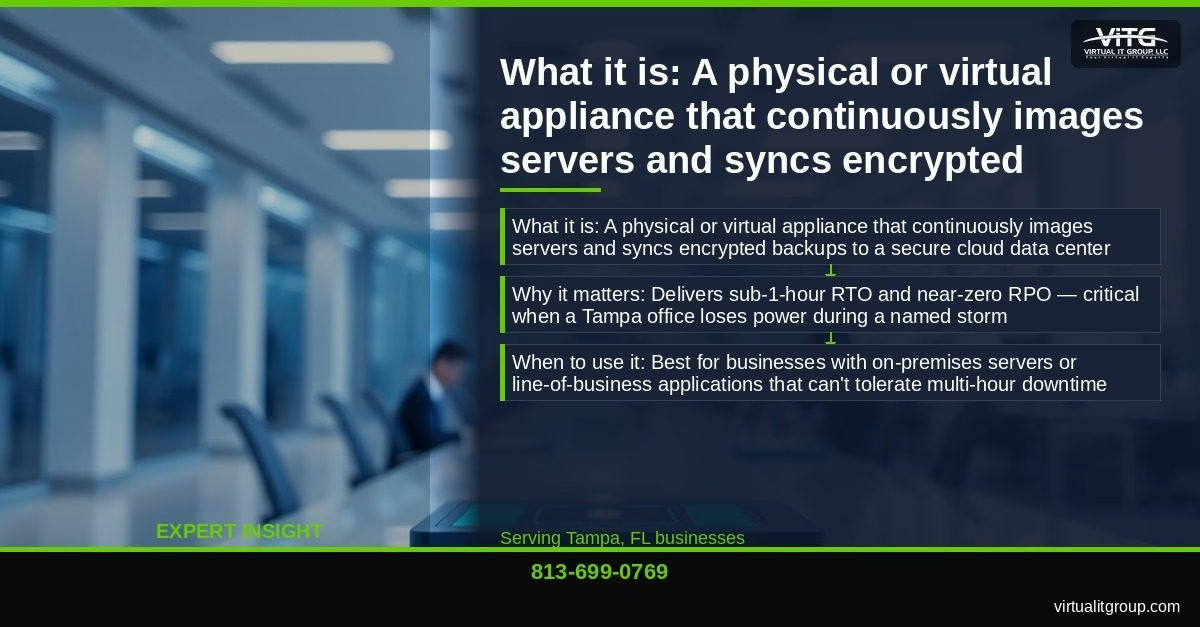
Here’s a real example. A 22-employee law firm in Tarpon Springs was running Datto BDR managed by our team. When Hurricane Idalia caused a 3-day office closure, staff were fully operational on virtualized servers within 47 minutes — working remotely as if nothing happened. The firm’s managing partner told me afterward that they’d assumed disaster recovery was “something bigger companies needed.” That assumption nearly cost them everything the year before when they had no plan at all.
Cost range: $200–$600/month all-in for a managed BDR at the SMB tier, depending on data volume and server count.
Key takeaway: For Tampa Bay SMBs with on-premises servers, a managed BDR appliance is the single highest-impact disaster recovery investment — delivering 47-minute or better recovery even during multi-day hurricane closures.
2. Microsoft Azure Site Recovery: Is It Right for Small Businesses Already Using Microsoft 365?
TL;DR: Microsoft Azure Site Recovery (ASR) is a Microsoft-native DR service that replicates on-premises virtual machines and physical servers to Azure, enabling cloud-based failover. For businesses already on Microsoft 365 Business Premium, it eliminates a separate vendor relationship and fits natively into an existing Microsoft stack.
What it is: ASR continuously replicates server workloads to Azure. In a failure scenario, you fail over to Azure-hosted virtual machines, keeping operations running while on-premises infrastructure is restored. Recovery time typically runs 60–90 minutes for a properly configured environment.
When to use it: Ideal for businesses already invested in Microsoft 365 Business Premium or Azure Active Directory who want a unified cloud strategy without adding another vendor.
Our team deployed ASR for a 35-employee manufacturing supplier in Auburndale. When ransomware encrypted their on-premises file server, we failed over to Azure within 90 minutes. The business lost less than two hours of productivity. I’ll be honest — the initial configuration took longer than we expected because ASR requires careful attention to replication health alerts. Silent replication failures are the #1 problem I see with DIY ASR deployments. Without someone actively monitoring replication status, you might think you have a working DR plan when you actually don’t.
Cost range: Approximately $25–$50/server/month in Azure consumption costs, plus managed services overhead.
For reference, Microsoft’s own documentation on the Azure Site Recovery shared responsibility model outlines exactly what Microsoft manages versus what your IT team or MSP must configure and monitor.
Key takeaway: ASR is a strong fit for Microsoft-stack SMBs, but it requires active monitoring to avoid silent replication failures — making managed deployment essential for businesses without in-house IT.
3. Immutable Cloud Backup: How Do You Protect Backups from Ransomware?
TL;DR: Immutable cloud backup stores data in write-once, read-many (WORM) object storage — such as AWS S3 Object Lock, Wasabi, or Backblaze B2 — where ransomware cannot encrypt or delete the backup copies. It’s the cheapest last-line-of-defense in any DR stack.
What it is: Standard cloud backups can be deleted or encrypted if ransomware actors gain access to your backup credentials (which they specifically target). Immutable storage with Object Lock enabled means the data cannot be modified or deleted for a defined retention period — period. Even if an attacker has your credentials, they can’t touch it.
When to use it: Every Tampa Bay SMB should layer immutable cloud backup under their primary backup strategy. The cost is so low that there’s no reasonable argument against it.
The weird part? Most small businesses don’t know their backup vendor’s cloud storage is mutable by default. A Bartow retail client found this out the hard way when a double-extortion ransomware attack encrypted their primary Veeam backup repository along with production data. Their immutable Wasabi copy — which we’d configured with Object Lock 8 months earlier — allowed us to restore 98% of their data to a clean environment within 4 hours. Without that layer, they were looking at paying a six-figure ransom or starting over from scratch.
The NIST Cybersecurity Framework specifically calls out immutable backup as a key control under the “Recover” function — and the CIS Controls v8 list it under Control 11 (Data Recovery).
Cost range: $7–$15/TB/month — among the lowest cost-per-protection-level ratios in enterprise IT.
Key takeaway: Immutable cloud backup with Object Lock enabled is the most cost-effective ransomware defense in a disaster recovery stack, costing $7–$15/TB/month while providing protection that even compromised credentials can’t defeat.
4. Managed Backup-as-a-Service for Microsoft 365: Does Microsoft Back Up Your Data?
TL;DR: Microsoft does not back up your Microsoft 365 data. Backup-as-a-Service (BaaS) for Microsoft 365 is a third-party managed service that backs up Exchange Online, SharePoint, OneDrive, and Teams on a defined schedule, filling the gap Microsoft explicitly leaves to customers.
What it is: Microsoft’s shared responsibility model states clearly that customers are responsible for their own data retention and recovery. Microsoft protects the infrastructure — not your files. If you accidentally delete a SharePoint site, mass-delete emails, or a rogue employee wipes a Teams channel, Microsoft’s native recycle bin and retention policies offer limited protection beyond 30–93 days depending on your license tier.
When to use it: Any business using Microsoft 365 as their primary productivity platform — which covers the majority of sub-50-employee firms in Tampa Bay.
Our team recovered three years of deleted SharePoint project files for a 28-employee Tampa construction firm after an accidental mass deletion during a file migration. The recovery took under two hours using Veeam Backup for Microsoft 365. Without a third-party BaaS solution, that data was gone permanently. The firm’s owner had assumed Microsoft “handled all of that.” Most owners do — until they need a restore.
Top vendors: Veeam, Acronis, Dropsuite, Spanning.
Cost range: $3–$8/user/month managed.
Key takeaway: Microsoft 365 does not back up customer data — businesses relying solely on Microsoft’s native retention policies risk permanent data loss from accidental deletions, and third-party BaaS fills that gap for $3–$8/user/month.
5. Endpoint Backup and Recovery: What Happens When a Remote Employee’s Laptop Is Stolen or Destroyed?
TL;DR: Endpoint backup is agent-based software installed on individual laptops and workstations that continuously syncs data to a central or cloud repository — independent of whether the device is on the corporate network. It protects data that lives only on local machines, not servers or cloud storage.
What it is: Many SMBs assume all critical data lives in SharePoint or on a server. It doesn’t. Sales proposals, client files, locally-cached emails, and project assets frequently exist only on individual laptops — especially for remote and hybrid workers spread across Tarpon Springs, Auburndale, and Bartow.
When to use it: Any business with hybrid or fully remote staff, or where employees store files locally rather than in SharePoint or OneDrive.
A Tampa Bay insurance agency with 18 remote agents lost two laptops to theft in the same quarter. Endpoint backup managed by Virtual IT Group meant zero data loss and same-day restore to replacement hardware. The agents were back at full capacity within hours. Without endpoint backup, both incidents would have meant weeks of reconstructing client files from memory and email threads.
Key features to require: continuous backup (not just nightly), ransomware rollback capability, and remote wipe for lost or stolen devices.
Cost range: $5–$15/endpoint/month managed.
Key takeaway: For businesses with remote or hybrid staff, endpoint backup closes a critical gap that server-side and Microsoft 365 backup solutions miss — protecting locally-stored data on laptops that may never connect to a corporate network.
6. Disaster Recovery as a Service (DRaaS): When Does a Small Business Need Full Failover Infrastructure?
TL;DR: Disaster Recovery as a Service (DRaaS) is a fully managed service where a provider hosts a ready-to-run replica of your entire IT environment in their cloud infrastructure, enabling complete failover of all systems — not just individual servers or files.
What it is: DRaaS goes beyond backup. Your entire production environment — servers, networking, applications — is replicated to a provider’s infrastructure and can be activated on demand. RTO targets of 15–30 minutes are achievable. This is the tier that financial services firms, healthcare providers, and professional services firms with strict compliance requirements typically need.
When to use it: Best for Tampa Bay SMBs in regulated industries (healthcare, financial services, legal) where downtime costs exceed $5,000/hour or where compliance mandates like HIPAA require documented recovery capabilities. According to Gartner’s DRaaS market analysis, adoption among SMBs with 10–49 employees grew 34% between 2022 and 2025.
At first I thought DRaaS was overkill for most of our clients under 50 employees. Turns out, for any firm billing more than $2 million annually where every hour of downtime is a direct revenue loss, the math changes fast. A 4-hour outage at $3,000/hour in lost productivity and billable time costs more than a year of DRaaS subscription fees.
Cost range: $500–$2,000/month depending on data volume and SLA tier.
Key takeaway: DRaaS is the right choice for Tampa Bay SMBs in regulated industries or with high hourly downtime costs — where 15–30 minute full-environment failover justifies a $500–$2,000/month investment.
7. Documented and Tested Disaster Recovery Plans: Why Technology Alone Isn’t Enough
TL;DR: A Disaster Recovery Plan (DRP) is a documented, tested runbook that defines exactly who does what, in what order, when a disaster occurs. Without it, even the best technology stack fails during a real incident because nobody knows the procedure under pressure.
What it is: Technology is only half the answer. A DRP documents your RTO and RPO targets, identifies critical systems in priority order, assigns roles and contact trees, and includes step-by-step recovery procedures. NIST Special Publication 800-34 provides the federal standard for contingency planning that we adapt for SMB environments.
When to use it: Every business on this list needs one — the other six solutions are components that the DRP coordinates. Side note: we’ve found that businesses hit by Hurricane Ian in 2022 who had a tested DRP recovered an average of 60% faster than those with equivalent technology but no documented plan. The chaos of a real disaster exposes every gap a tabletop exercise would have caught.
“Technology should be an accelerator for your business, not a constant source of frustration. If your team is complaining about IT more than once a week, something is fundamentally broken in your IT strategy.” — Brian Truman, CEO, Virtual IT Group
A tested DRP also satisfies audit requirements for cyber insurance — which now routinely asks for documented recovery procedures before issuing or renewing policies. Failing to produce one can void coverage at exactly the moment you need it.
Cost range: $1,500–$5,000 one-time for a professionally developed and tested DRP; annual tabletop exercise testing runs $500–$1,500.
Key takeaway: A documented and tested Disaster Recovery Plan is the coordination layer that makes all other DR technology work — without it, even a fully-equipped SMB will lose hours to confusion during a real incident.
How to Choose the Right Disaster Recovery Solution for Your Tampa Bay Business
The honest answer is that most Tampa Bay SMBs under 50 employees need a stack of at least three of these solutions — not one. A BDR appliance handles server recovery. Immutable cloud backup protects against ransomware. BaaS for Microsoft 365 covers your cloud productivity data. Endpoint backup covers remote workers. A documented DRP ties it all together.
The average Tampa Bay SMB spends 6.2% of revenue on IT. Businesses that invest strategically in managed IT see 23% higher operational efficiency — which means the right DR stack isn’t just a cost, it’s a competitive advantage. We recently worked with a 35-person Tampa marketing agency that was managing seven different IT vendor relationships across internet, phones, security, cloud, and support. We consolidated everything under one managed agreement, reducing their vendor management overhead by 80% and cutting total IT costs by 30%. Disaster recovery was one of the first things we standardized.
If you’re not sure where your current backup strategy has gaps, that’s exactly what our initial IT assessment surfaces. We’ve found that 87% of new clients are overpaying for underperforming solutions — and disaster recovery is the area where those gaps are most dangerous.
Virtual IT Group, LLC serves Tampa Bay businesses from Hillsborough County to Pinellas, Polk, and beyond. Call us at 813-699-0769 or visit virtualitgroup.com to schedule a no-cost disaster recovery assessment. Don’t wait for a named storm or a ransomware alert to find out whether your backup actually works.
Frequently Asked Questions About Disaster Recovery for Tampa Small Businesses
What is the difference between backup and disaster recovery?
Backup is the process of copying data to a secondary location for protection. Disaster recovery is the broader strategy — including technology, documented procedures, and tested runbooks — that defines how a business restores full operations after a disruptive event. Backup is a component of disaster recovery, but a backup alone does not constitute a disaster recovery plan. Without defined RTOs, RPOs, and recovery procedures, a backup is just data sitting somewhere with no guaranteed path to restoration.
How much does disaster recovery cost for a small business in Tampa?
For a Tampa Bay business with under 50 employees, a complete managed disaster recovery stack — including BDR appliance, immutable cloud backup, Microsoft 365 BaaS, and endpoint backup — typically runs $400–$900/month depending on data volume, number of servers, and user count. That’s $4,800–$10,800/year to protect a business where a single day of downtime can cost $10,000–$50,000 in lost productivity, client attrition, and recovery labor. The math strongly favors prevention.
Does Microsoft 365 back up my business data automatically?
No. Microsoft’s shared responsibility model explicitly states that customers are responsible for their own data retention and recovery. Microsoft protects the infrastructure and provides limited native retention tools (recycle bins, litigation hold), but these are not substitutes for backup. Deleted items are typically recoverable for 30–93 days depending on your license and configuration — after that, the data is permanently gone without a third-party backup solution.
How often should a Tampa Bay small business test its disaster recovery plan?
At minimum, once per year — ideally before hurricane season (June 1) and after any major infrastructure change. A tabletop exercise, where your team walks through a simulated disaster scenario without actually failing over systems, can be completed in 2–4 hours and costs far less than discovering a gap during a real incident. Full failover tests, where you actually activate your DR environment, should occur at least once every 18–24 months for businesses with on-premises servers.
What is an RTO and RPO, and why do they matter for small businesses?
Recovery Time Objective (RTO) is the maximum acceptable time to restore operations after a disaster. Recovery Point Objective (RPO) is the maximum acceptable amount of data loss measured in time — for example, an RPO of 1 hour means you can afford to lose up to 1 hour of transactions. For most Tampa Bay SMBs, an RTO of 4 hours or less and an RPO of 1 hour or less is the target that balances cost with business continuity. A BDR appliance with continuous imaging typically achieves RPO of 15–60 minutes and RTO under 1 hour — the best combination available at the SMB price point.
If you’re in the Lakeland or Winter Haven area, learn how cloud disaster recovery works in Central Florida and see real examples of businesses getting back online in minutes after a disaster.